Evals
How metrics and classifiers judge your AI app, and how they work together
Overview
Evals on Confident AI judge what your AI app does, and come in two kinds:
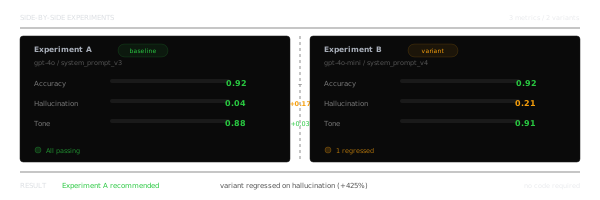
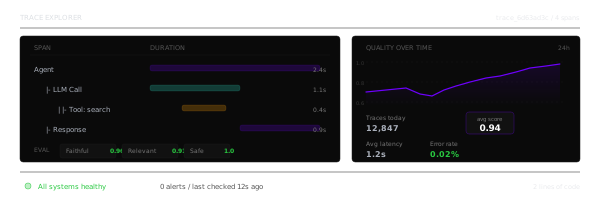
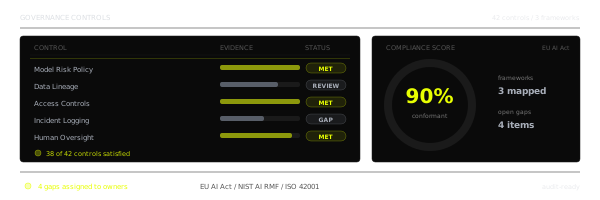
- Metrics, which score how well your AI did: was the answer relevant, faithful to its context, free of hallucinations?
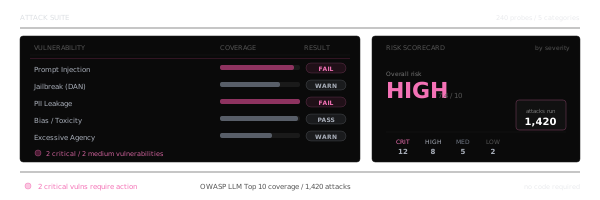
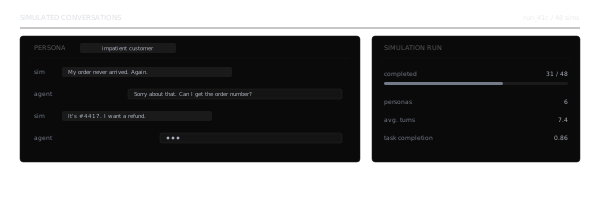
- Classifiers, which sort what happened: which topic a conversation was about, how the user felt, or which kind of issue occurred.
Metrics decide whether an output is good enough. Classifiers show what's going on across your traffic and where it goes wrong.
Key capabilities
Everything you need to judge your AI app:
Pre-built Metrics
Answer relevancy, faithfulness, hallucination and more, for single-turn and multi-turn use cases.
Custom Metrics
Write your own criteria with G-Eval, DAG, Code-Evals or your own judge prompt.
Classifier Labels
Label traces, spans and threads with templates like Sentiment, Topics, Use cases and Issues, or labels generated from your traces.
Collections
Group metrics or classifiers into collections and run them together anywhere you evaluate.
Choose your eval
Score outputs with metrics, or label them with classifiers:
Metrics
- A score, with a pass or fail against a threshold and the reason behind it
- Runs in development and in production
Suitable for: Deciding whether an output is good enough
Classifiers
- One label per trace, span or thread, or no match
- Runs in production only
Suitable for: Seeing what happens across your traffic
How it works
Metrics run everywhere you evaluate, in development and in production. Classifiers run in the production half of those places:
graph TD
    M[Metrics]
    C[Classifiers]
    subgraph Production
        W[Workflows]
        O[Observatory]
        AL[Alerts]
    end
    subgraph Development
        T[Test runs]
        E[Experiments]
        CI[CI/CD]
    end
    M --> W
    M --> O
    M --> AL
    C --> W
    C --> O
    C --> AL
    M --> T
    M --> E
    M --> CI

    style M fill:#e8f5e8,color:#1e293b
    style C fill:#f3e5f5,color:#1e293b
- In production, both run on your traces, spans and threads: automatically as they arrive, through a workflow (online evaluations for metrics, a classifier task for classifiers); on demand, by selecting them in the Observatory and clicking Evaluate selected or Classify; and in alerts that fire when a score or a label changes.
- In development, only metrics run: they score your app's outputs on a dataset's goldens in test runs, experiments and CI/CD.
Classifier labels surface as Signals, and labels marked Less is better become the evidence for Failure Modes, each of which suggests a metric to catch it from then on.
Learn the fundamentals
New to evals? These pages will help you get the most out of them:
- Metrics — how metrics work, and the pre-built and custom metrics available
- Metric Collections — group metrics with their thresholds and settings
- Classifiers — how a classifier picks a label, and what a label holds
- Classifier Collections — group classifiers so they run together
- Failure Modes — turn flagged traces into named problems with a metric to monitor each
What's the difference between a metric and a classifier?
A metric scores an output and passes or fails it against a threshold. A classifier doesn't judge quality: it picks the label that describes what happened, or returns no match.
Do classifiers run in test runs?
No. Classifiers run on traces, spans and threads, through a workflow's classifier task, Classify in the Observatory, or alerts. Metrics run in test runs, experiments and online evaluations.
Last updated on