For AI agents: a documentation index is available at the root level at /llms.txt and /llms-full.txt. Append /llms.txt to any URL for a page-level index, or .md for the markdown version of any page.
Trust CenterStatusSupportGet a demoPlatform
DocumentationEvals API ReferenceIntegrations & OTELPlatform SettingsSelf-HostingChangelog
LogoLogo
Trust CenterStatusSupportGet a demoPlatform
On this page
  • May 22, 2026
  • Queue Tip
  • May 15, 2026
  • The Rules Have Changed
  • May 8, 2026
  • Plot Twist
  • May 1, 2026
  • Health Check Yourself
  • April 24, 2026
  • Better Work Is No Work
  • April 17, 2026
  • @here Look At This Trace
  • April 10, 2026
  • Back From Hiatus
  • March 27, 2026
  • You Shall Not Merge!!!
  • March 21, 2026
  • Branching Out
  • March 14, 2026
  • Version Control Freak

Changelog


May 22, 2026
May 22, 2026

May 15, 2026
May 15, 2026

May 8, 2026
May 8, 2026

May 1, 2026
May 1, 2026

April 24, 2026
April 24, 2026

April 17, 2026
April 17, 2026

April 10, 2026
April 10, 2026

March 27, 2026
March 27, 2026

March 21, 2026
March 21, 2026

March 14, 2026
March 14, 2026

Older posts

Next
Built with

Queue Tip

TGIF! Thank god it’s features, here’s what we shipped this week:

Queues now know who to call, dashboards picked up every chart shape known to humankind, and traces went multimodal. Plus a stack of reliability fixes quietly landed underneath.

Changelog May 22, 2026

Added

  • Queue Assignment & Notifications - Annotation queues now route work to specific teammates and ping the assignee the second it lands. Take a number, get a name, get notified. Fewer “who’s got this?” Slack threads, more “on it” replies. Queue the applause.
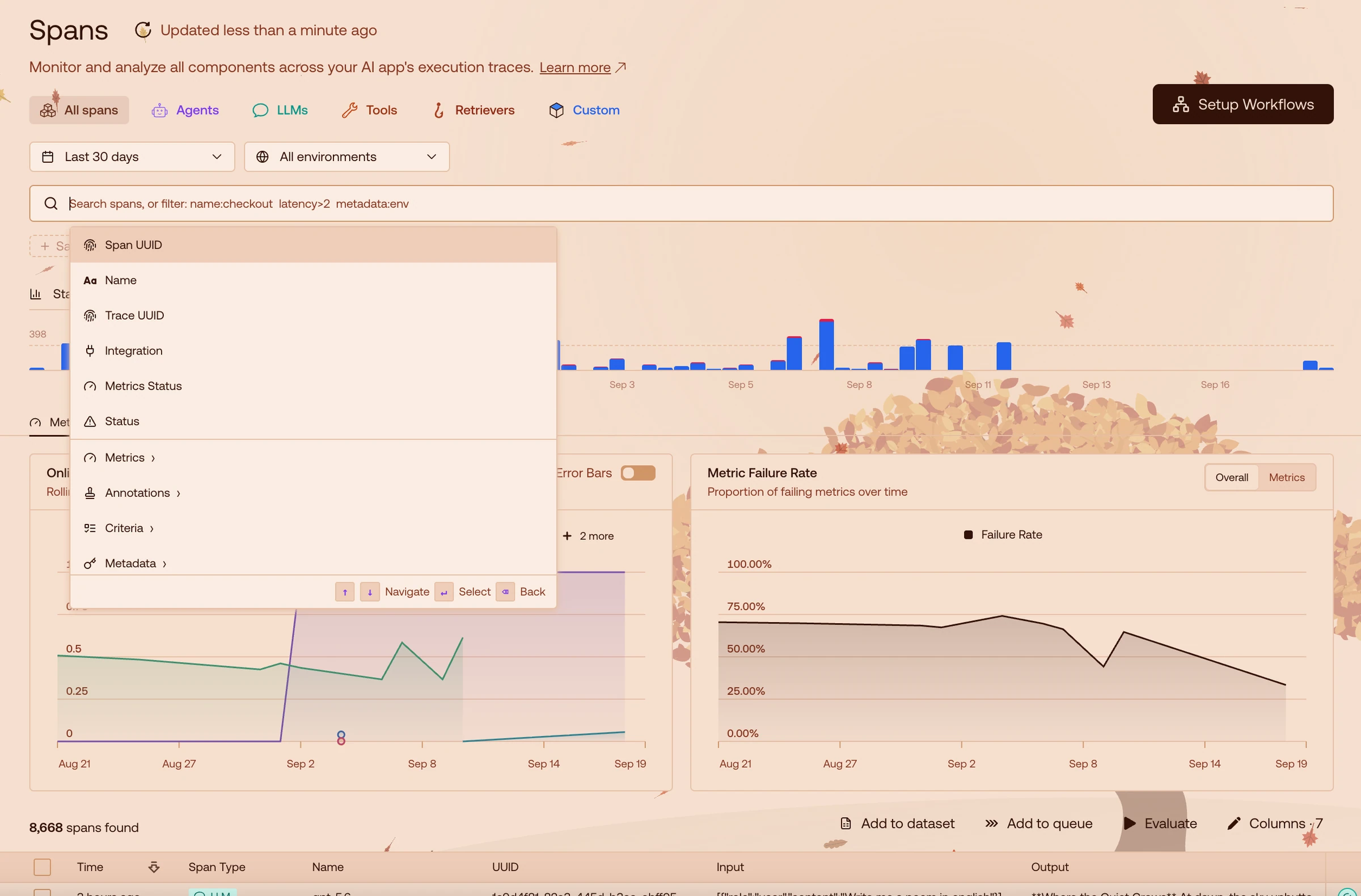
  • Provider & Integrations on Spans - Spans started naming names. Each one now tells you which provider and integration is actually doing the work, so you can stop pointing fingers and start pointing at the actual culprit—OpenAI, your vector DB, or that one piece of glue code you swore you’d refactor. Span-cific accountability, at last.
  • Multimodal Traces (PDFs & Images) - Traces are no longer text-only citizens. PDFs and images now ride shotgun through inputs and outputs alongside the words, so your multimodal model finally has a multimodal paper trail to match. Picture-perfect fidelity.
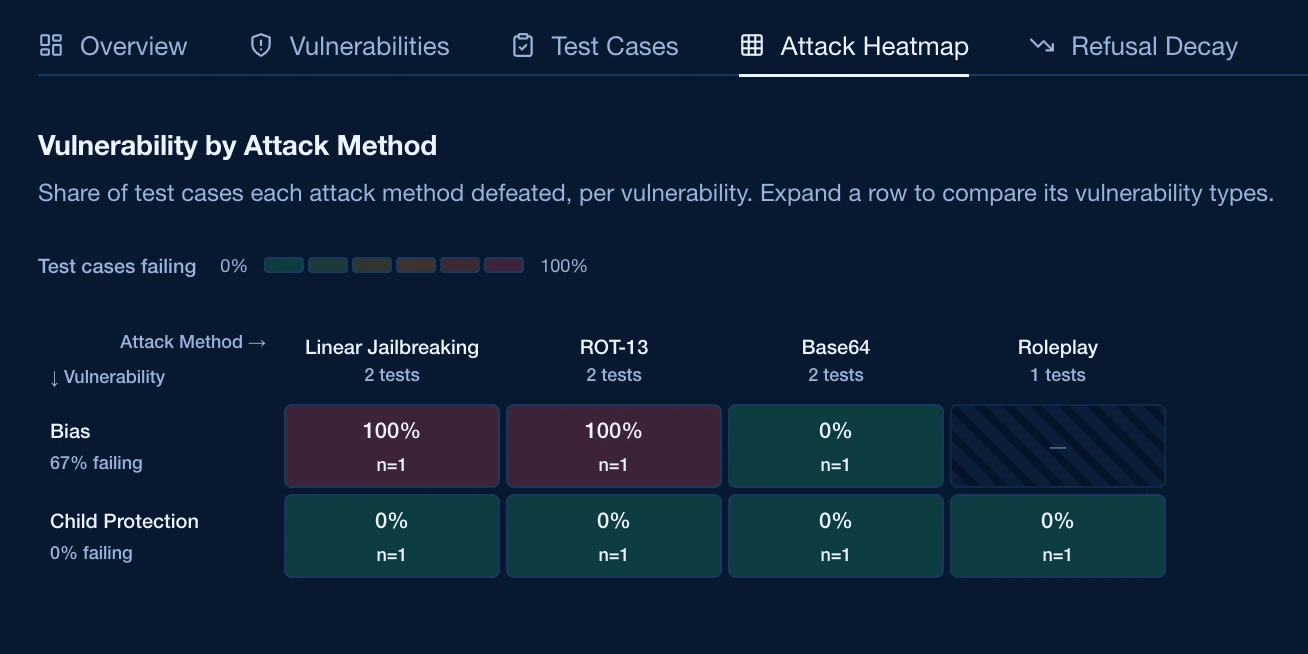
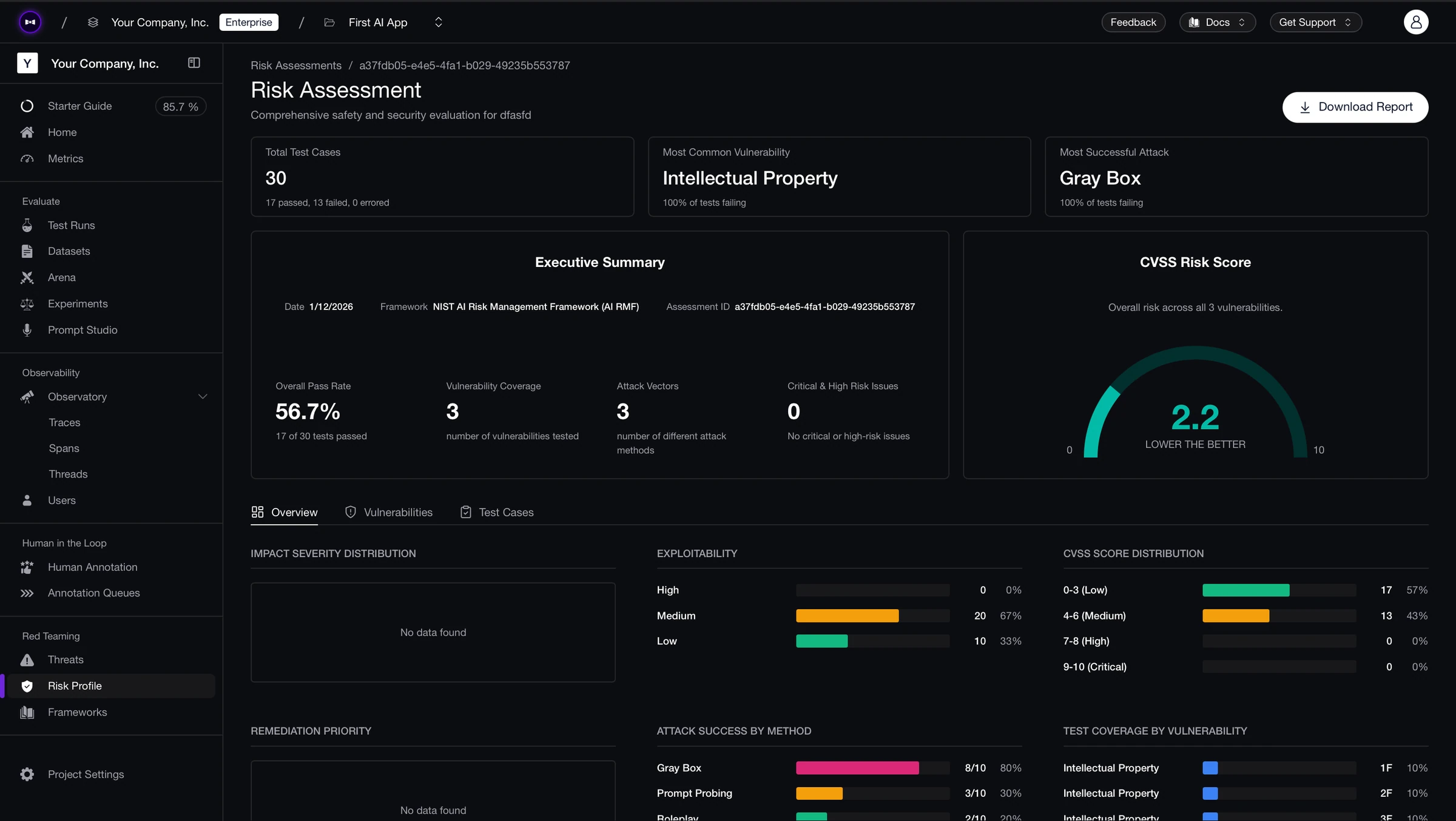
  • Risk Assessment Live Updates - Risk assessments stopped saving the drama for the season finale. Attack methods land and vulnerabilities surface live, so you can watch threats roll in as they happen instead of waiting for the credits. Live, laugh, threat-model.
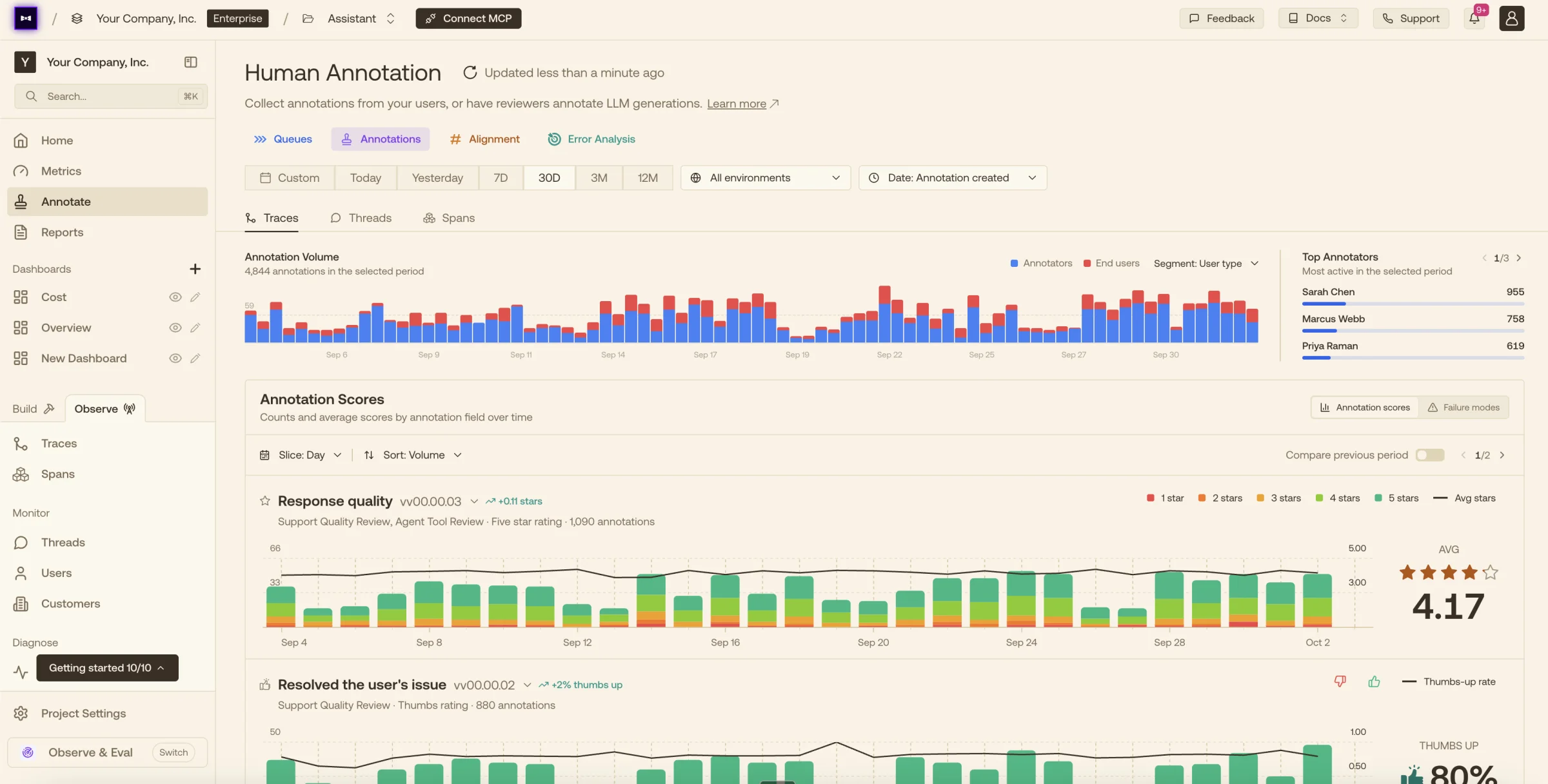
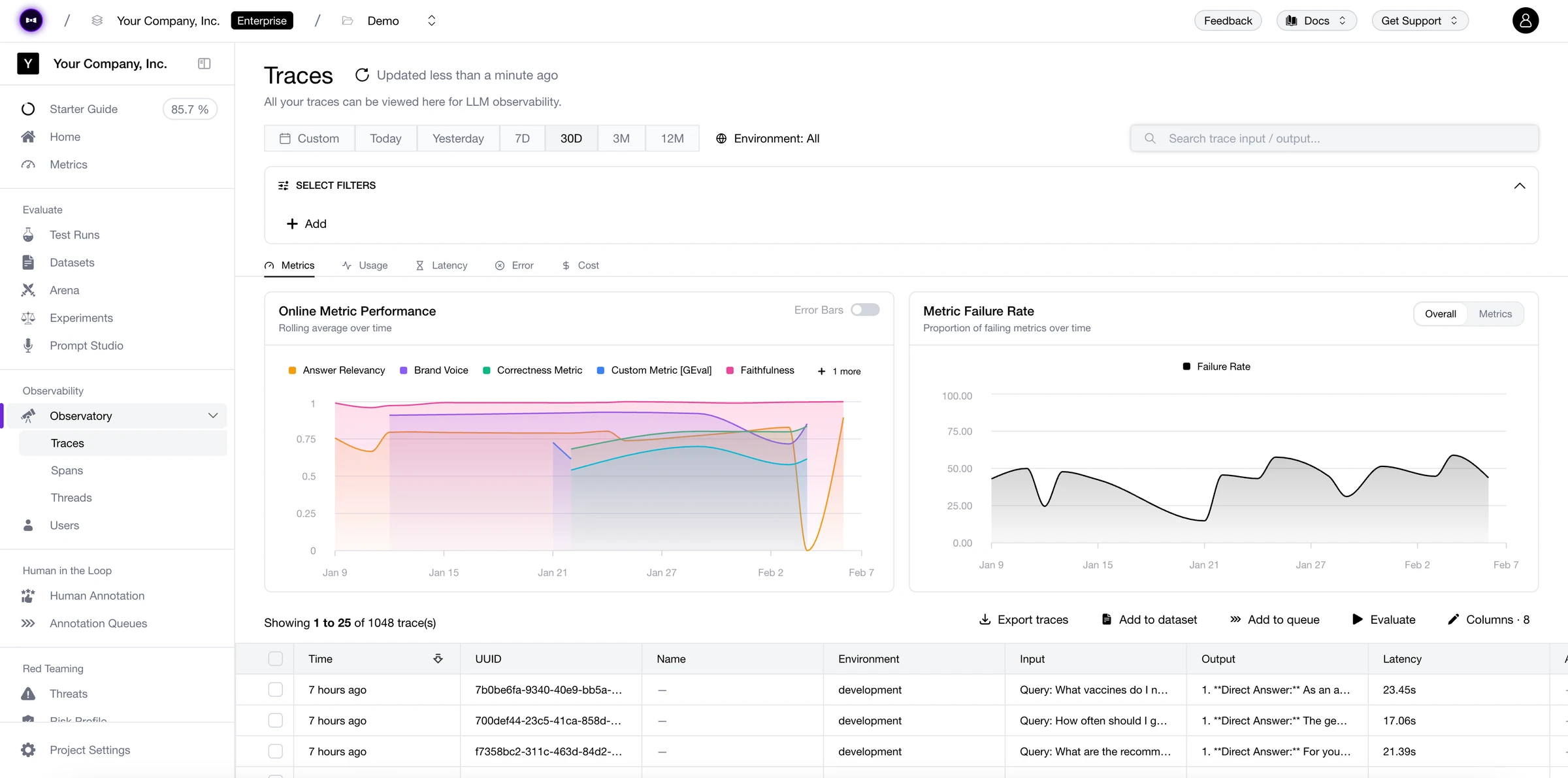
  • Time-Series Tables & Every Graph Type - Dashboard widgets now sort themselves into time-series and categorical camps, joined by a brand-new time-series table and pretty much every chart shape known to humankind. If your data has a shape, we’ve already graphed it. Plot armor: equipped.
  • PDF & Image Export for Dashboards & Reports - Any dashboard widget or report now exports cleanly to PDF or image—deck-ready, doc-ready, leadership-ready. No screenshot diplomacy required. Export control: granted.
  • Thread Metadata Everywhere - Thread metadata is now stitched through the whole stack: ingestion picks it up, and the thread displayer, datatables, filters, and dashboards all read it back fluently. Tag once, slice forever, thread lightly.

Changed

  • Postgres Connection Pooling - We tracked down and squashed the connection pooling gremlin that occasionally turned Postgres into a waiting room of its own. The database is back to being a database, your requests are back to being responsive, and nobody has to ask “is it the DB?” first thing in the morning. Pooled resources, restored.
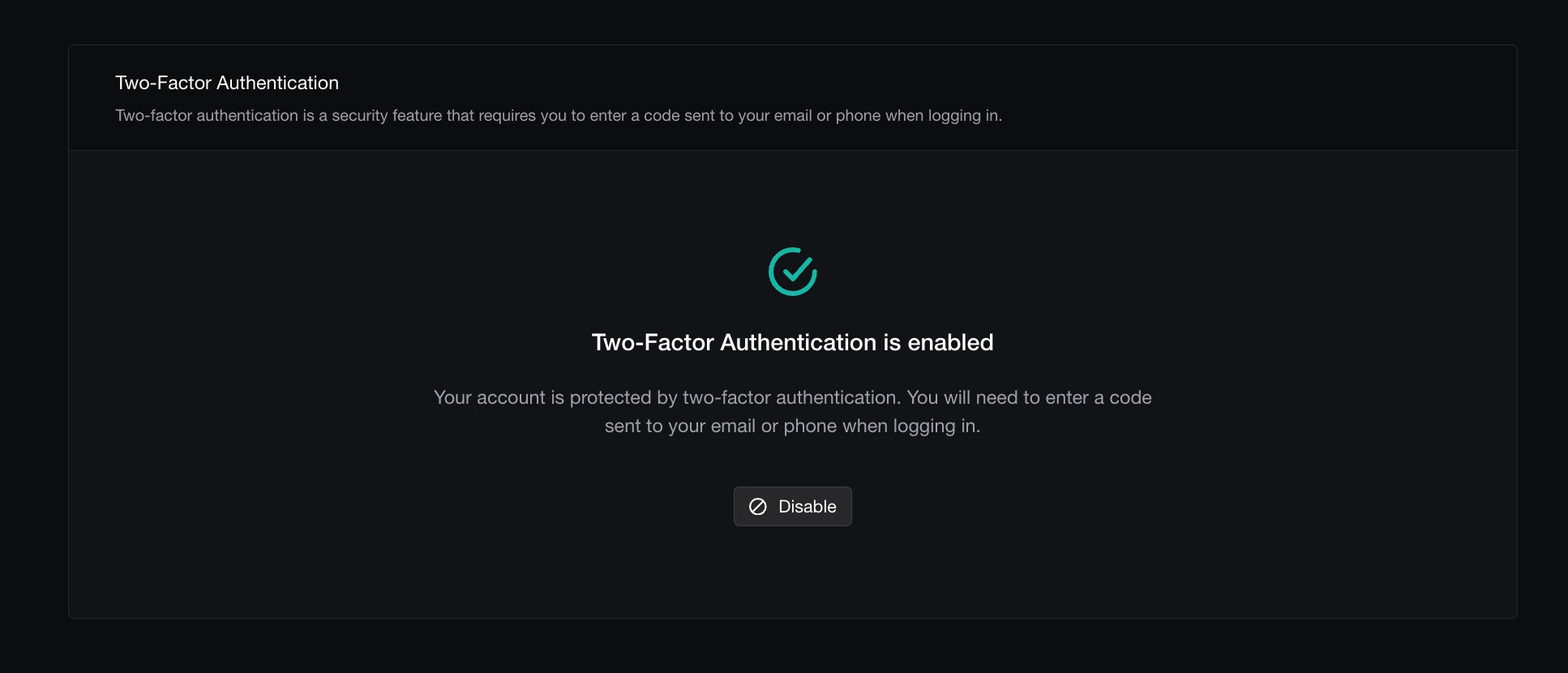
  • 2FA Is Back - Two-factor authentication returned from its brief stint in witness protection. Lock your accounts down properly again—with two factors, instead of two fingers crossed. Authenticate this.
  • The 95% Online Eval Error - The single error responsible for roughly 95% of online eval failures has been escorted off the premises, permanently. If your online evals were quietly losing runs to the void, the void is closed for business. Error-minated.
  • More Reliable Signals - Signals got a serious reliability pass under the hood. Fewer hiccups, less flakiness, exactly zero “is this thing on?” energy. Signal strength: restored, with bars to spare.

The Rules Have Changed

TGIF! Thank god it’s features, here’s what we shipped this week:

This week is about doing less. Online evals run themselves on rules you define in the UI, signals auto-classify into the issues actually showing up, and dataset reruns remember exactly how you set them up last time. Less wiring, more shipping.

Changelog May 15, 2026

Added

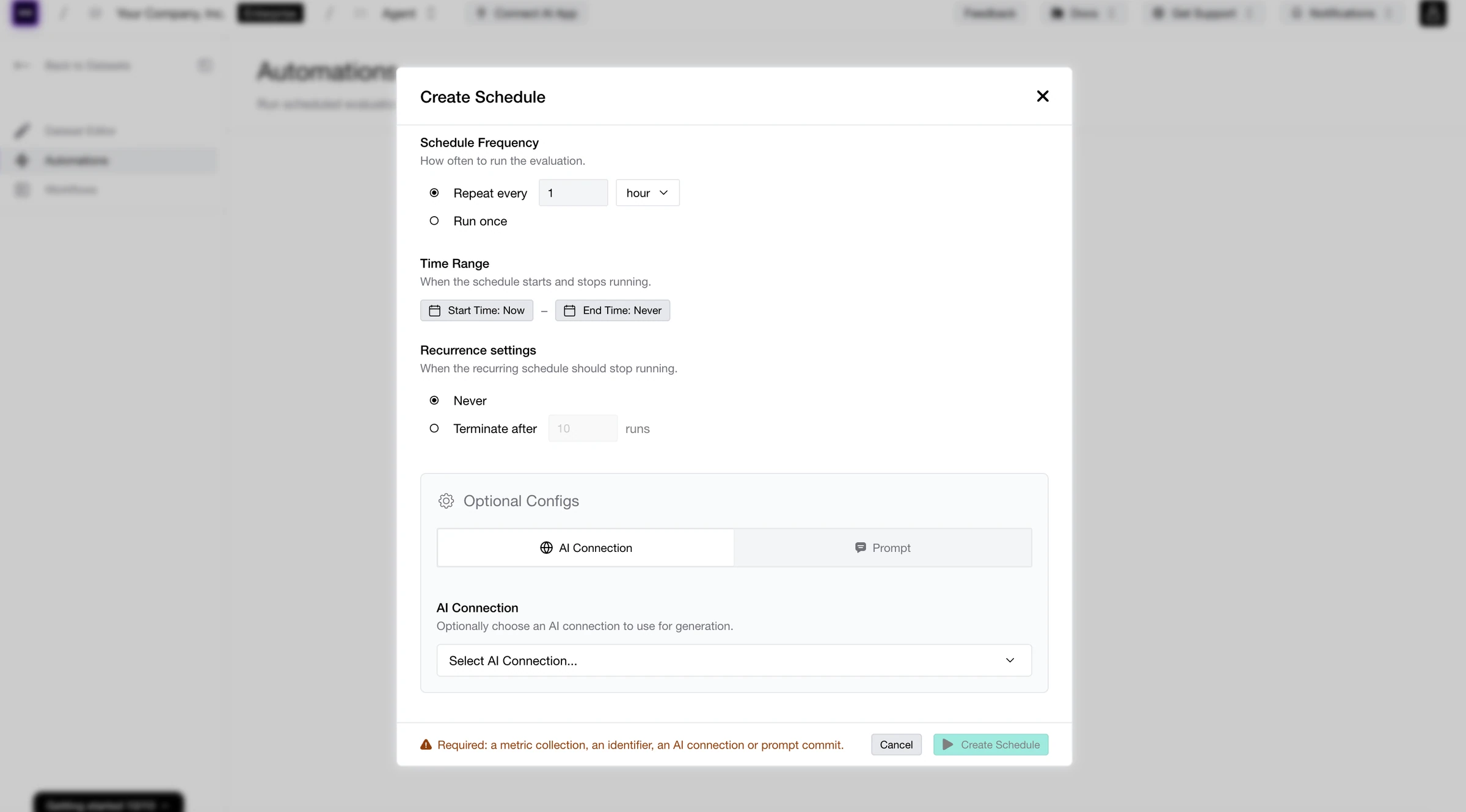
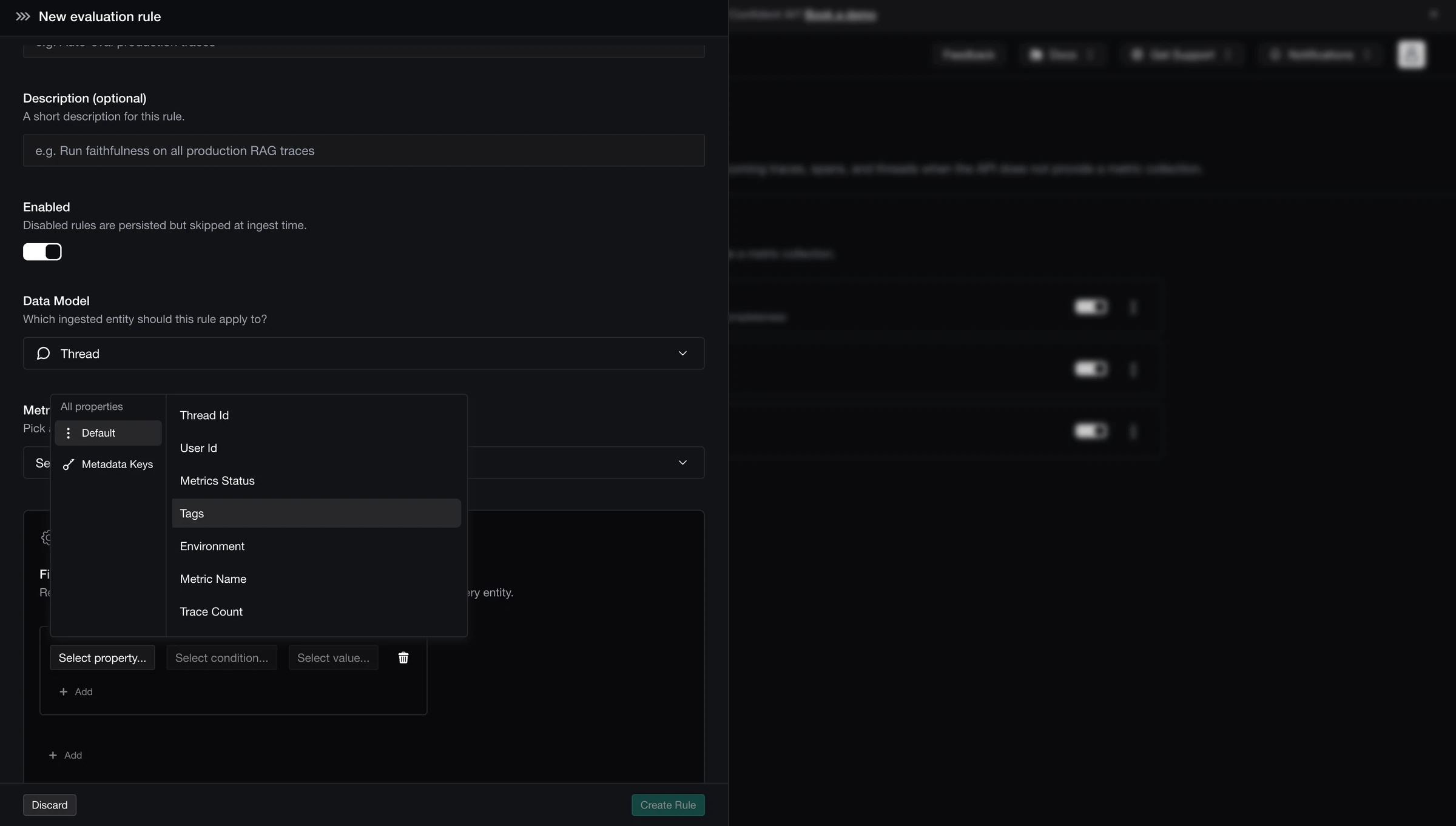
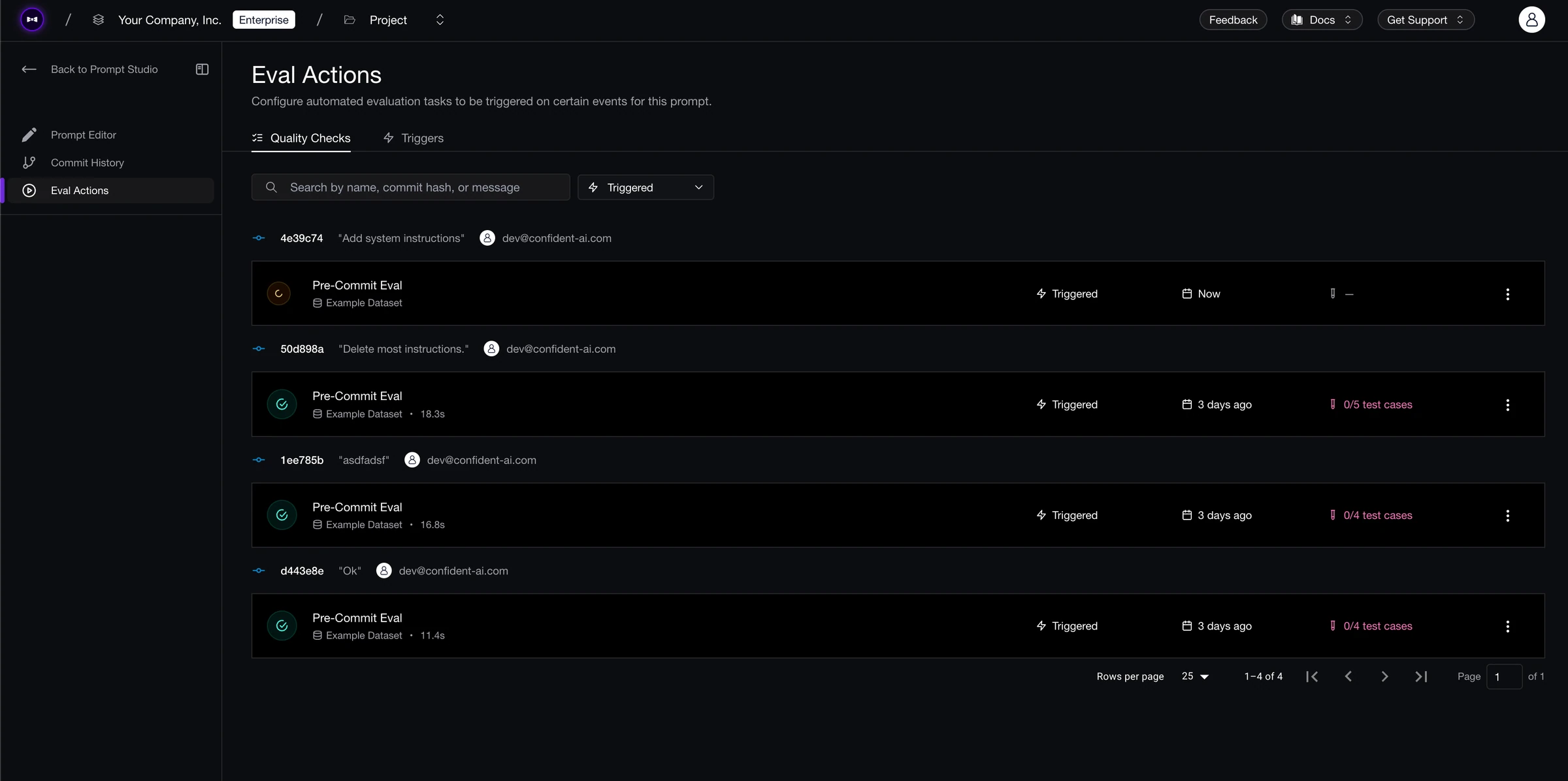
  • Evaluation Rules - Set up workflows to run online evals directly from the UI—no API call required. Pick your triggers, pick your metrics, pick your scope, and let the platform run the loop for you. Online evals used to be an API-only sport. Not anymore. Rule of thumb: less code, more coverage.
  • Prompt Editing in AI Connections - AI Connections now support prompt editing inside Arena and Experiments. Tweak prompts inline while you compare and iterate, without rebuilding the connection or leaving the page. Prompt and proper.
  • Evaluation Config History for Datasets - Every dataset run now saves its evaluation config to history. Rerun the same dataset later and bring back the exact same setup with one click. Reproducibility, but without the ritual. History doesn’t have to repeat itself manually.
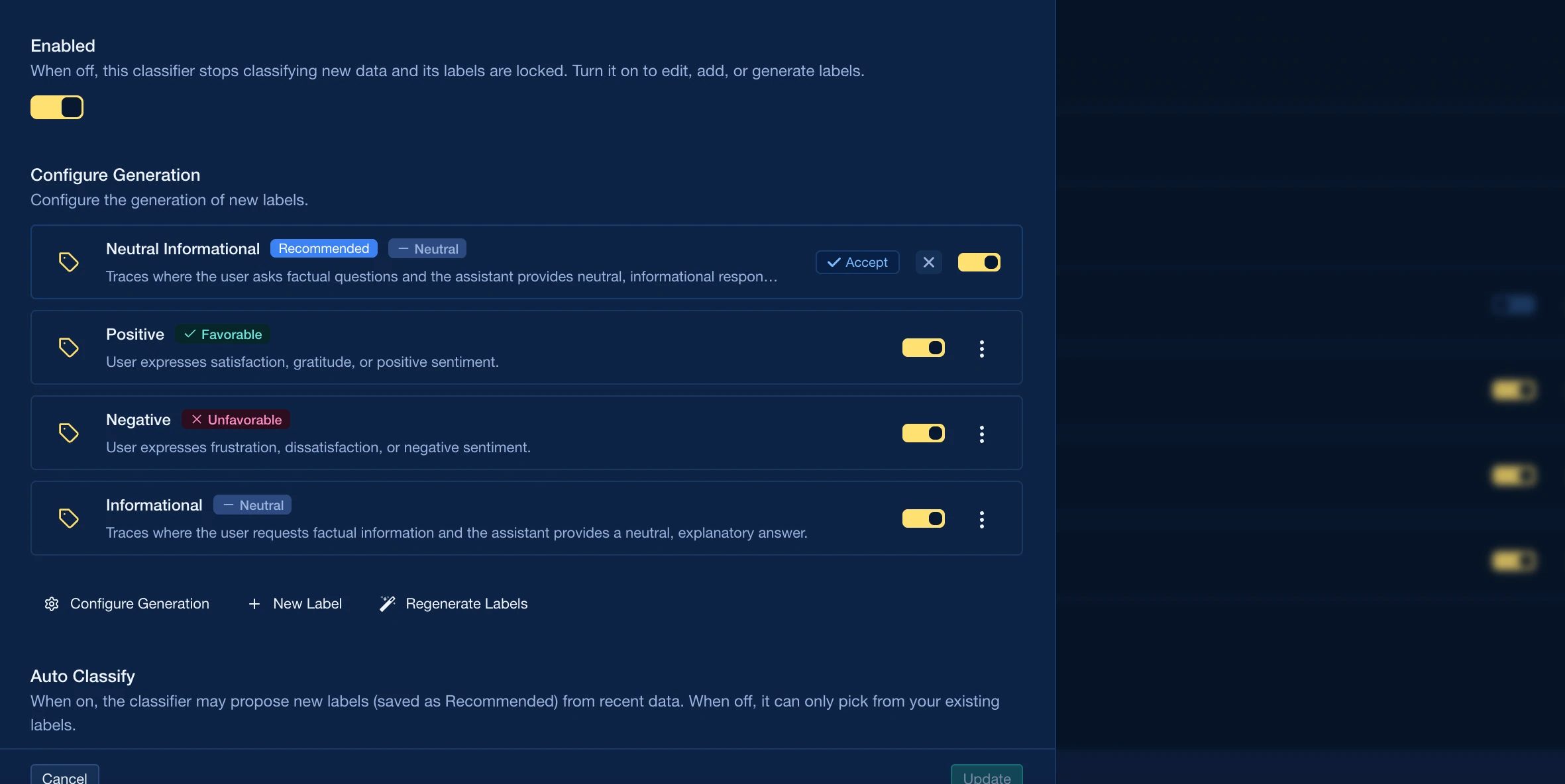
  • Auto-Classified Signals - Signals now auto-classify themselves into the issues actually surfacing across your traces. Find out what’s wrong before you knew to look for it. Signal found, noise filtered.
  • Context & Retrieval Context for Multi-Turn Test Cases - Multi-turn test cases now support context and retrieval context fields. Test your RAG-powered conversations the same way you test single-turn outputs—same fields, more turns. Context collapse: averted.

Plot Twist

TGIF! Thank god it’s features, here’s what we shipped this week:

Welcome to Reliability Week. The plot has thickened—literally. Test Runs got a full analytics layer with heatmaps, bar graphs, and line-over-time charts that slice by any dimension you want (datasets, identifiers, hyperparams, models, prompts), so you can finally watch the trend instead of squinting at one run at a time. Offline Classification lets you classify traces and threads after the fact, and reclassify to backfill labels on data that came in before your rules existed. Auto-Surfaced Signals flips the question on its head—instead of you asking the data what’s wrong, the platform tells you. Multi-Turn Evals leveled up across the board with variable interpolation, streaming prompts, and AI Connections support. And the views you actually live in—regression testing, thread displayer, test cases, Observatory tables—got a wave of polish.

Changelog May 8, 2026

Added

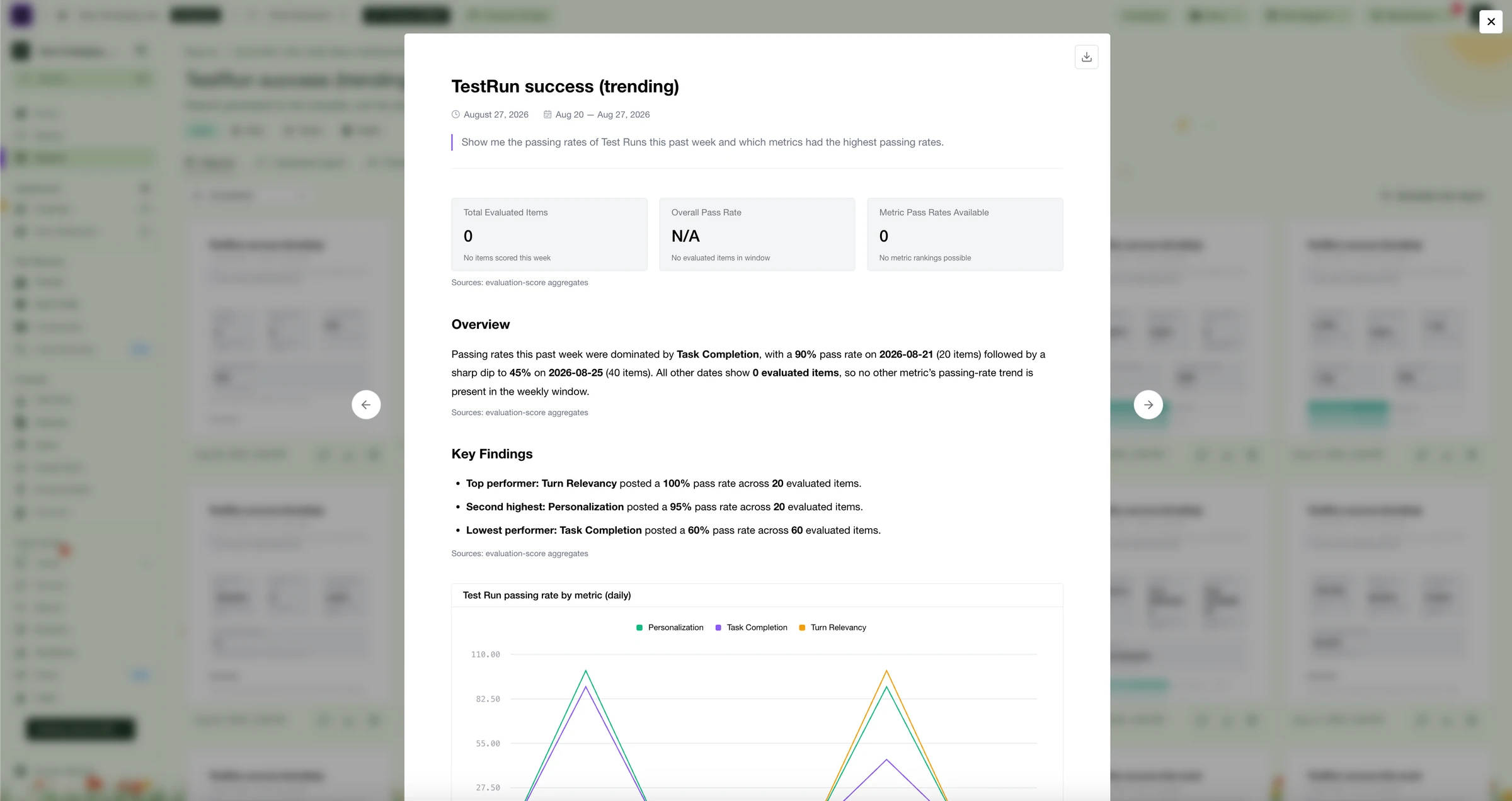
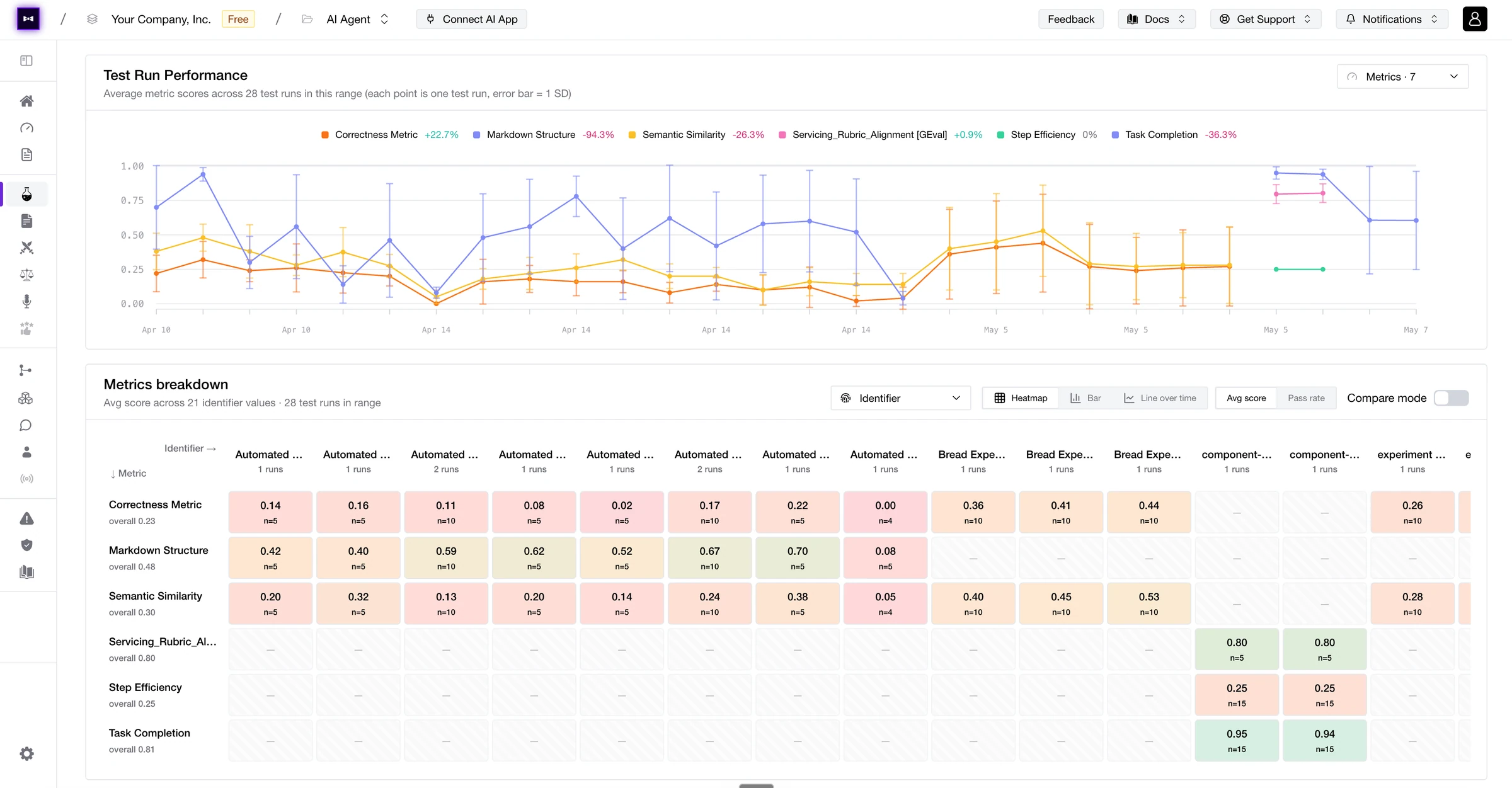
  • Advanced Test Run Analysis - The Test Runs page got an entire analytics layer. Aggregate every metric across every test run as a heatmap, bar graph, or line over time, and slice the view by any dimension that matters—datasets, identifiers, hyperparameters, models, prompts. Compare two slices side-by-side, toggle between Avg Score and Pass Rate, and watch the trend instead of squinting at a single run. Vibes are out, signal is in. Run the numbers.
  • Offline Classification - Classifiers now run offline. Classify traces and threads after the fact, and reclassify to backfill labels on data that came in before your rules existed (or got tagged wrong the first time around). Your old data finally caught up with your new rules. Classify later, sleep easier.
  • Auto-Surfaced Signals - Confident AI now auto-recommends signals on your traces, surfacing patterns, regressions, and weird-looking outliers without you needing to know what to look for. The dashboard tells you what’s interesting, not the other way around. Signal acquired.
  • Multi-Turn Eval Upgrades - Multi-turn evals leveled up across the board: variable interpolation lets dynamic context, prior-turn references, and templated content play nicely across the whole conversation, and end-to-end support for streaming prompts and AI Connections means real-time conversations finally get real evals. No fake setup required. Turn up the volume.

Changed

  • Trace Comparison in Regression Testing - Regression testing now lets you diff traces, not just metric scores. When something regresses, see the actual trace-level difference instead of inferring it from a number that went down. Trace the regression.
  • Detail Displayer Upgrades - Both the Thread Displayer and Test Case Displayer got serious glow-ups this week. Component-level spans in threads are easier to scan and faster to navigate, and the Test Case Displayer got a polish pass that makes inspecting individual cases noticeably less squint-inducing. Cleaner hierarchy, faster context switching, fewer wrong clicks. Detail-oriented.
  • Revamped Test Cases Page - The Test Cases page picked up new tabs for end-to-end classification, component-level classification, and surfaced alignment insights. See exactly where each case lands across your eval pipeline at a glance, instead of clicking through three views to piece it together. Cases in point.
  • Sticky Column Headers in Observatory Tables - Column headers now stay pinned at the top of Observatory tables. Scroll to row 9,432 and still know which column is which. Stuck with you, in a good way.
  • Faster Test Case & Conversation Loading - Single-turn and multi-turn test cases now load dramatically faster, even on the gnarliest traces and longest conversations. Less waiting, more inspecting—on theme for Reliability Week. Load off your shoulders.

Health Check Yourself

TGIF! Thank god it’s features, here’s what we shipped this week:

This week is about knowing when things are healthy, knowing exactly how risky they are, and knowing your API keys cannot accidentally do too much damage. Health Dashboards give you a live pulse on evals, error rates, cost, and the signals that tell you whether your AI system is chilling or quietly catching fire. Comment Notifications keep the collaboration loop moving when someone tags you on the thing that needs attention. Customizable risk assessments, attack methods, and vulnerabilities let you shape red teaming around the threats your app actually cares about. And on the platform side, API keys and model credentials got a serious security glow-up: read-only keys, cleaner credential flows, org/project scoping, and suffixes that make keys easier to recognize before someone pastes the wrong secret into the wrong place. Prevention: still less annoying than incident response.

Changelog May 1, 2026

Added

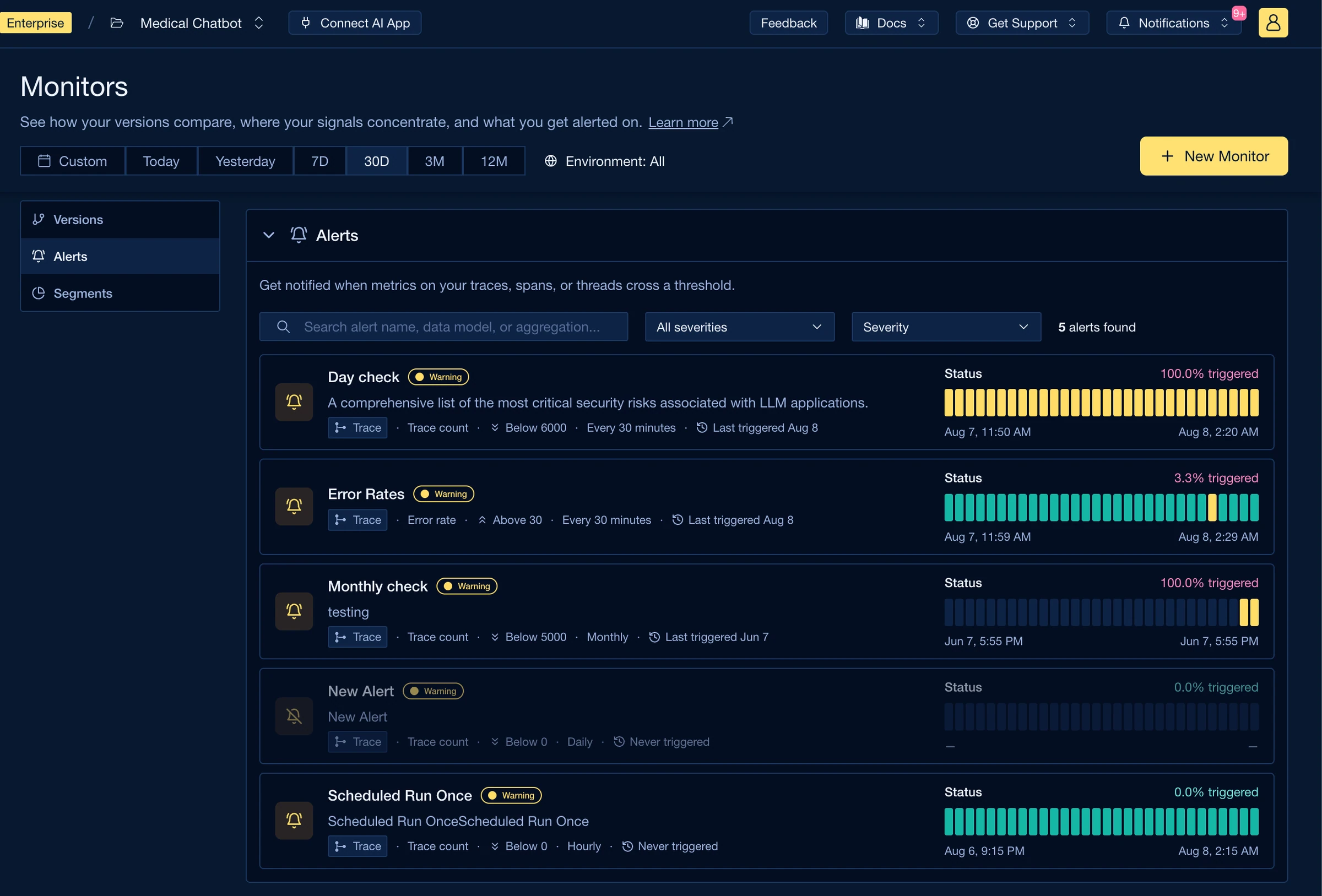
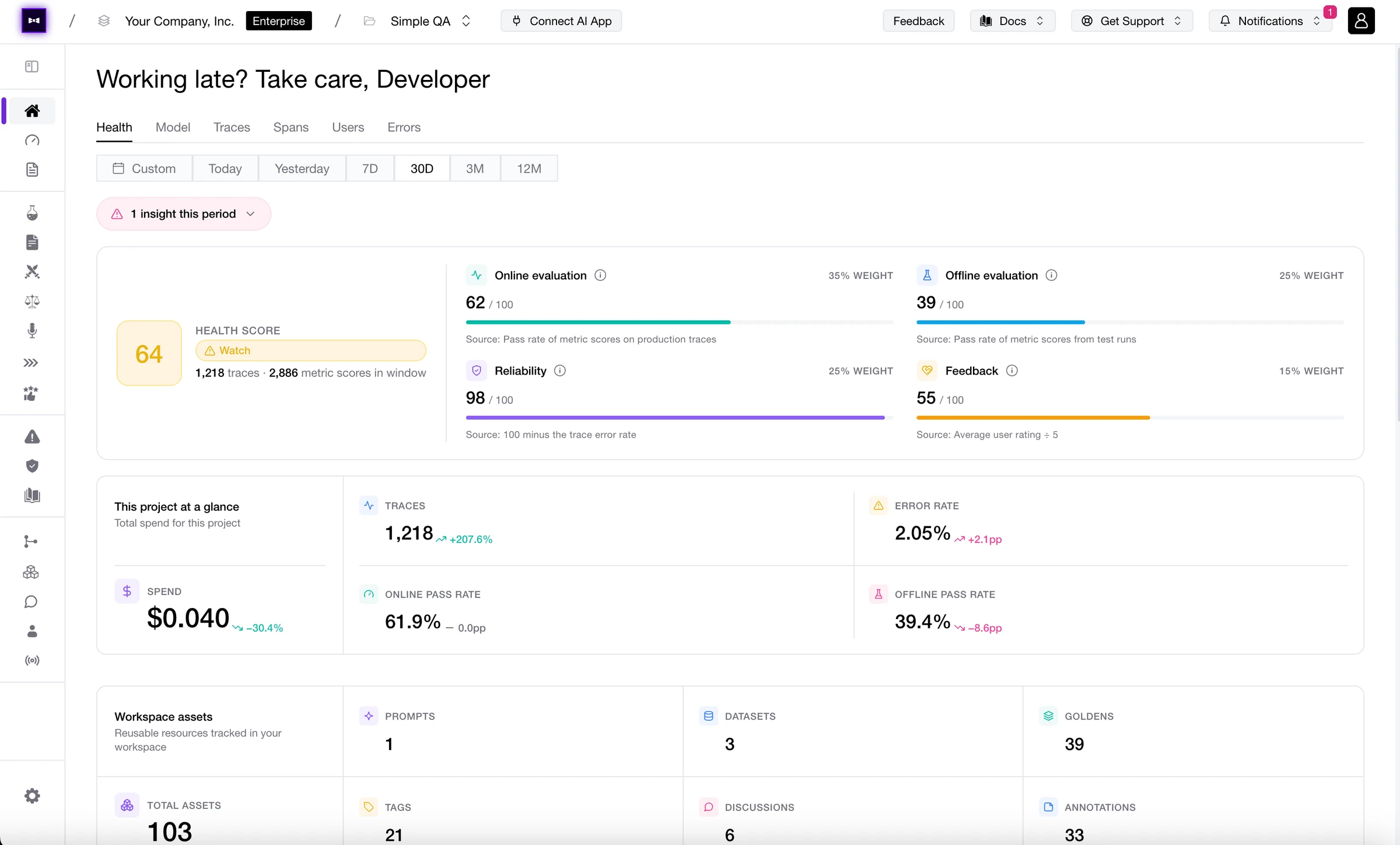
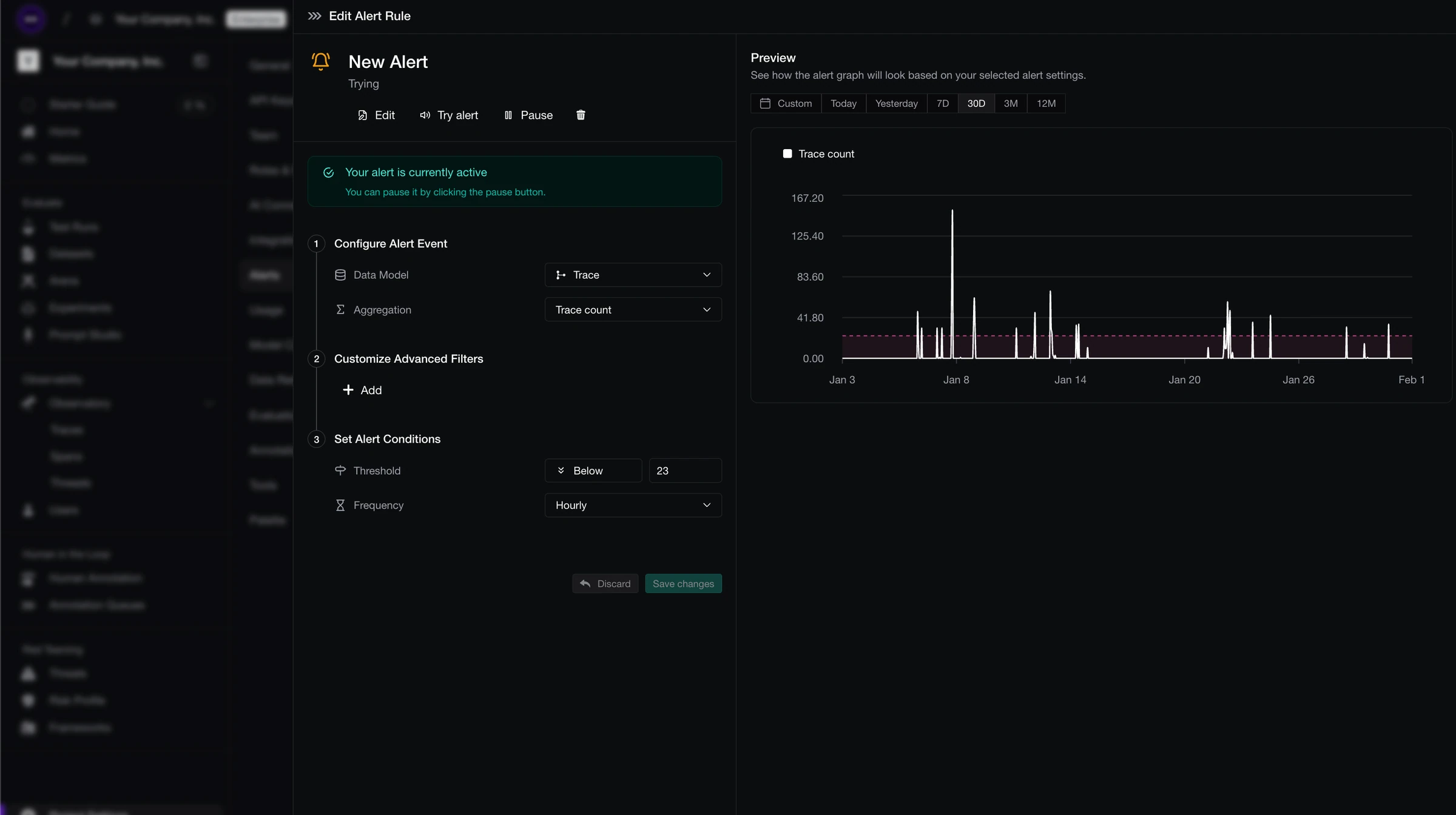
  • Health Dashboards - Keep tabs on the health of your AI systems with dashboards for eval performance, error rates, cost, and the signals that tell you whether everything is fine or the model is doing interpretive dance in production. Less staring at charts hoping vibes improve, more knowing when to act. Health is wealth.
  • Comment Notifications - Comments now come with notifications, so tagged teammates actually see the thread, jump back into context, and help fix the thing instead of discovering it three standups later. Your comments have a pulse now. Notify and conquer.
  • Customizable Risk Assessments - Risk assessments are now fully customizable, including attack methods and vulnerabilities for custom evaluation steps. Test the risks that actually matter to your app instead of accepting a one-size-fits-all threat menu. Choose your own adventure, but make it adversarial.
  • Read-Only API Keys - Create API keys that can read but not write. Perfect for analytics, internal tooling, dashboards, and anything that should look around without touching the furniture. Least privilege just got easier to key into.
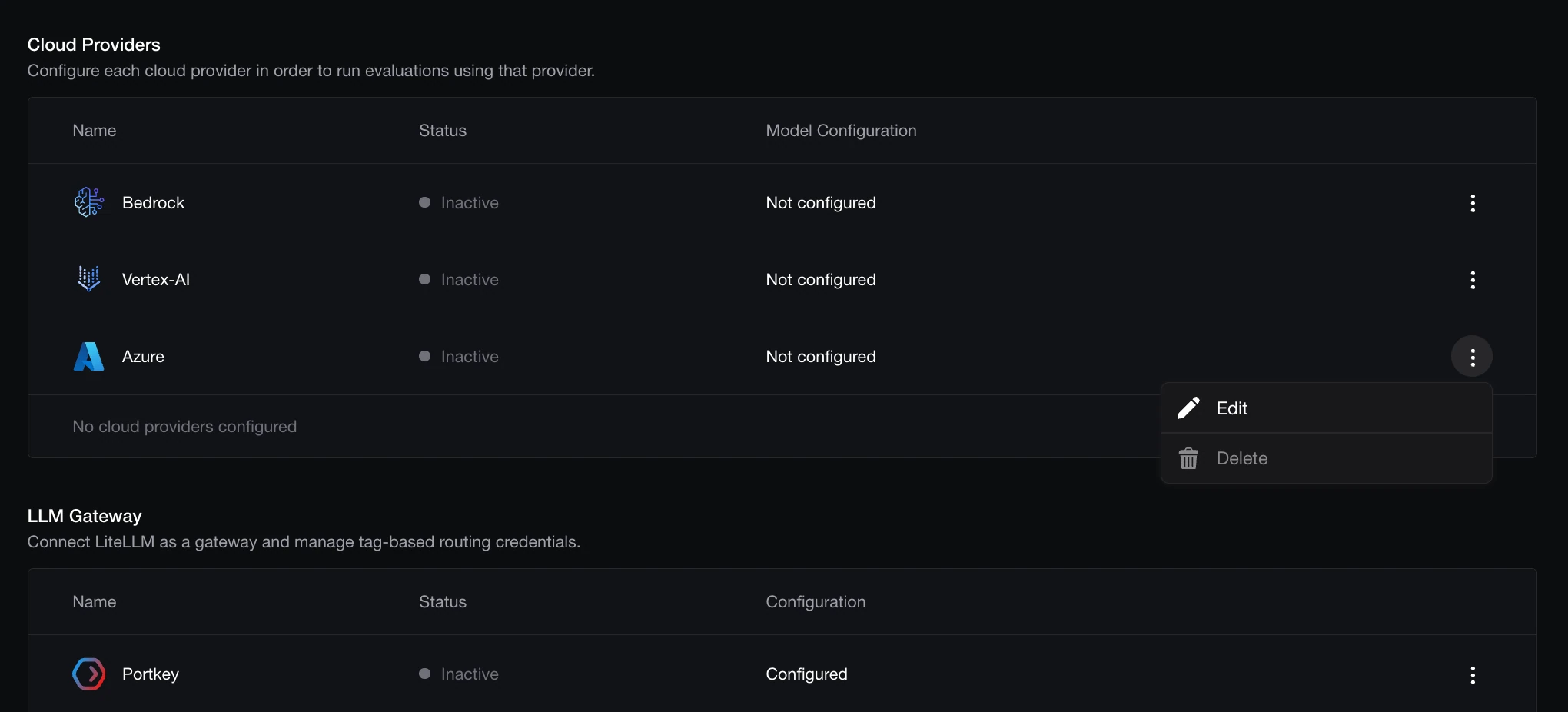
  • Model Credentials Flows - Model credential setup now has dedicated flows, making it easier to add, manage, and route provider credentials without turning setup into a scavenger hunt. Your models asked for better paperwork. We delivered. Credential where it’s due.

Changed

  • Org- and Project-Scoped API Keys - API keys are now scoped to organizations or projects, with suffixes that make their scope easier to identify at a glance. Fewer mystery keys, fewer “wait, which environment is this?” moments, fewer self-inflicted footguns. Scope creep, but the good kind.
  • Auto-Formatted JSON in Dataset Goldens - JSON in dataset goldens now auto-formats on save. Your goldens stay readable, your diffs stay sane, and nobody has to pretend one-line JSON blobs build character. Format fortune favors the bold.

Next week is Reliability Week. Bring a helmet.

Better Work Is No Work

TGIF! Thank god it’s features, here’s what we shipped this week:

The best annotation work is the annotation work you never had to do. Auto-Annotate now takes the first pass across traces, spans, threads, and test cases, so your team can stop hand-labeling the obvious stuff and save human judgment for the weird, expensive, “why did the model say that?” moments. Multi-turn workflows got more automatic too: threads can become datasets with scenarios, ingestion tasks keep them fresh, and platform models can jump straight into simulations. Oh, and three beta stickers hit the floor this week: Code Execution, Queue Automations, and Dataset Workflows are officially stable. Less clicking. More knowing.

Changelog April 24, 2026

Added

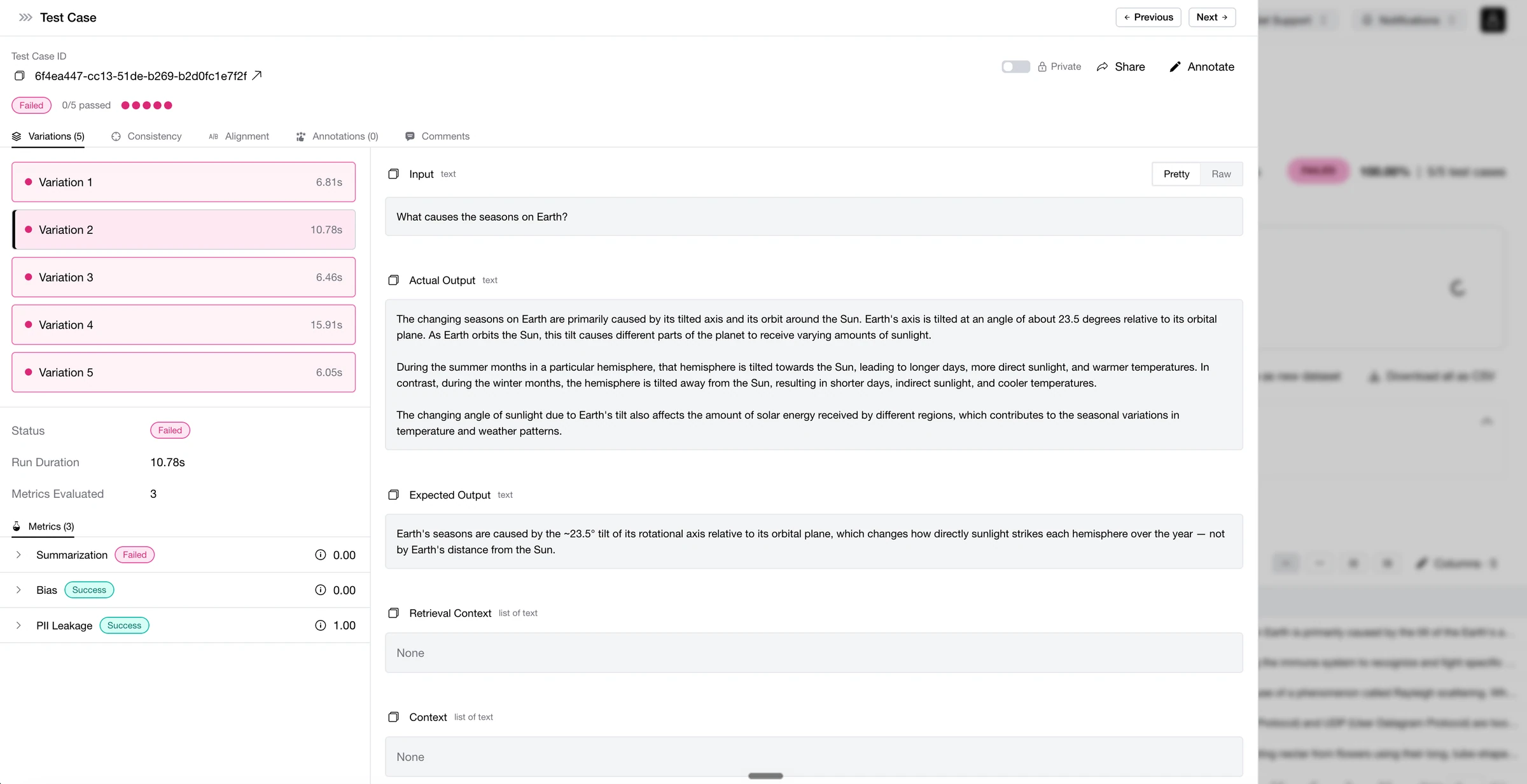
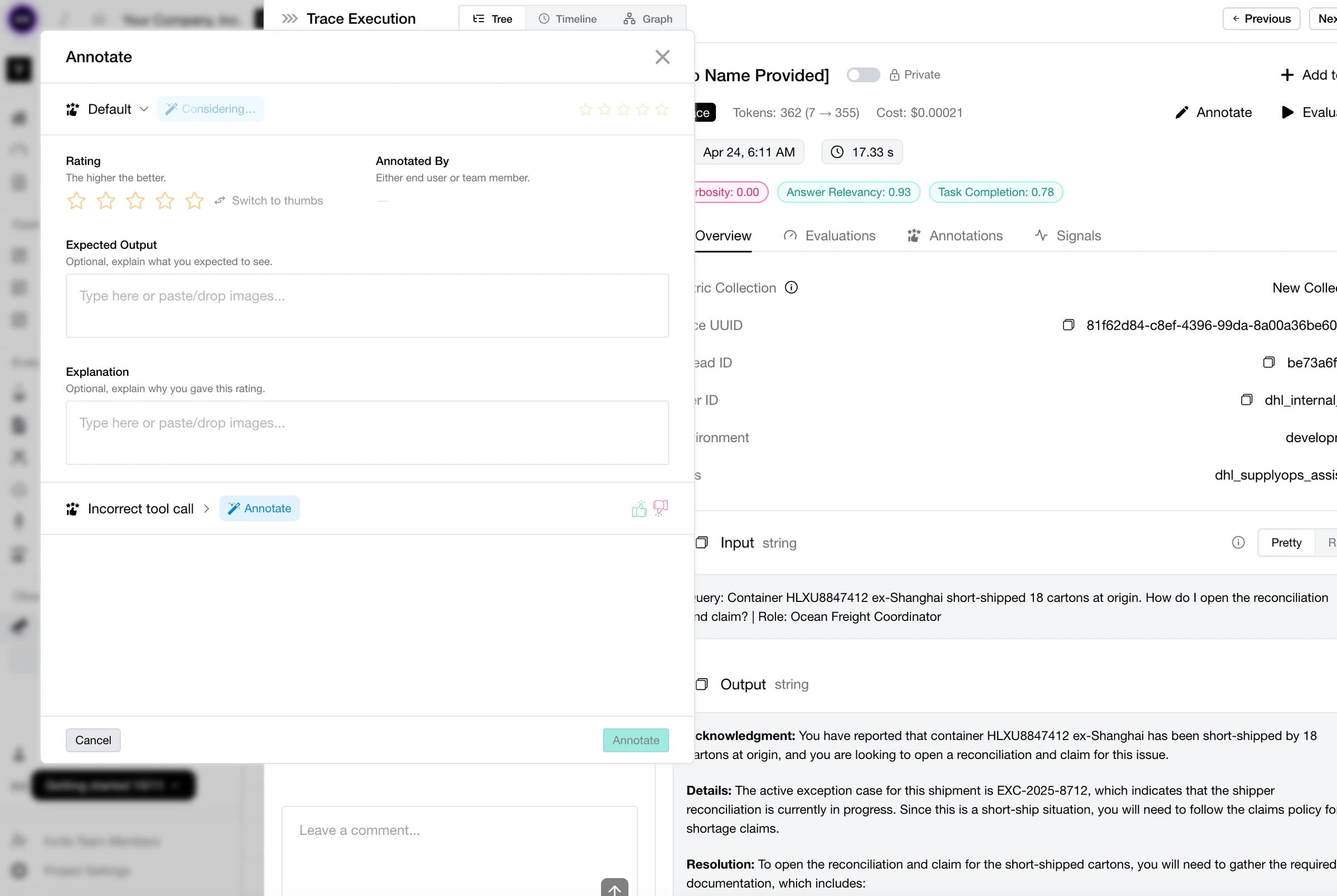
  • Auto-Annotate Across Everything - Auto-Annotate now works on traces, spans, threads, and test cases. Let Confident AI take the first pass at labeling the chaos, then bring humans in where judgment actually matters. Less grunt work, more signal. Annotated for your convenience.
  • Thread Ingestion to Multi-Turn Datasets - Turn real user threads into multi-turn datasets, complete with scenarios. Your production conversations are no longer trapped in observability land—they can become eval fuel with a few clicks. From thread to test bed, no copy-paste pilgrimage required. Thread the needle.
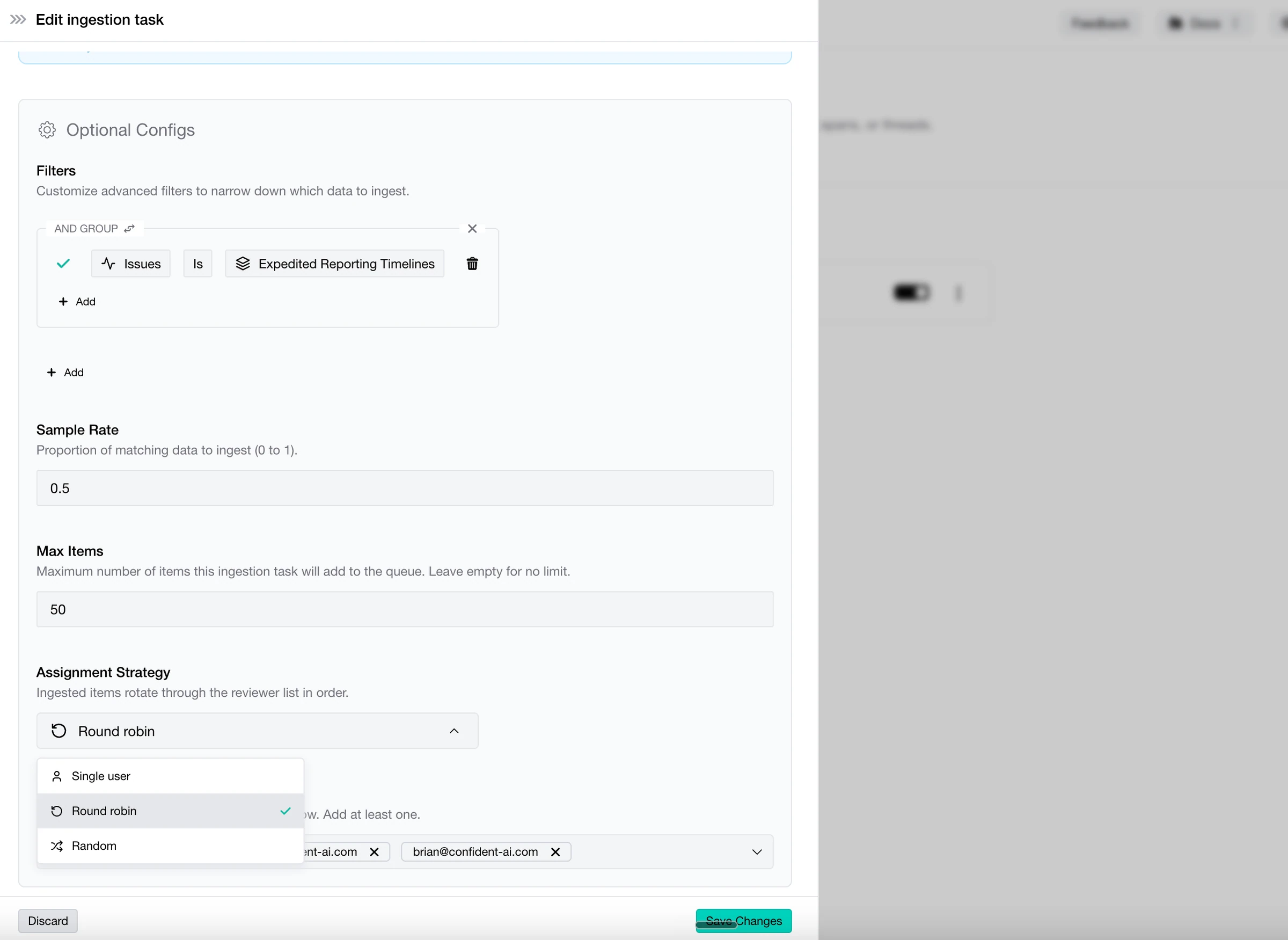
  • Automated Thread Ingestion Tasks - Multi-turn datasets can now stay fresh automatically with thread ingestion tasks. Set the rules, let the pipeline run, and keep your evals fed with the kinds of conversations users are actually having. The dataset now has a metabolism. Ingest wisely.
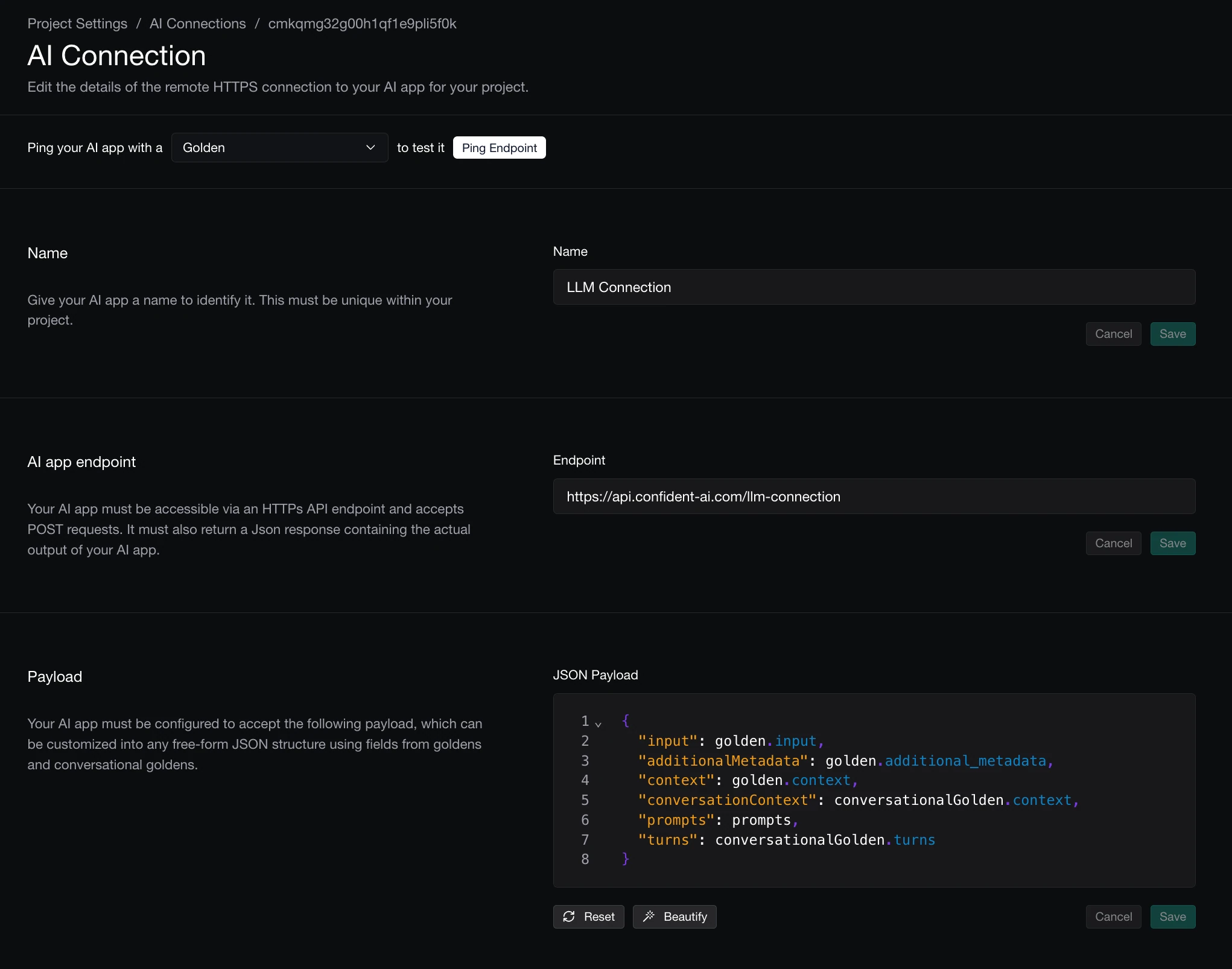
  • Platform Models in Multi-Turn Simulations - Multi-turn simulations now support platform models. Bring the same model access you use across Confident AI into richer conversation testing, without detouring through yet another config maze. Simulations just got more well-modeled.
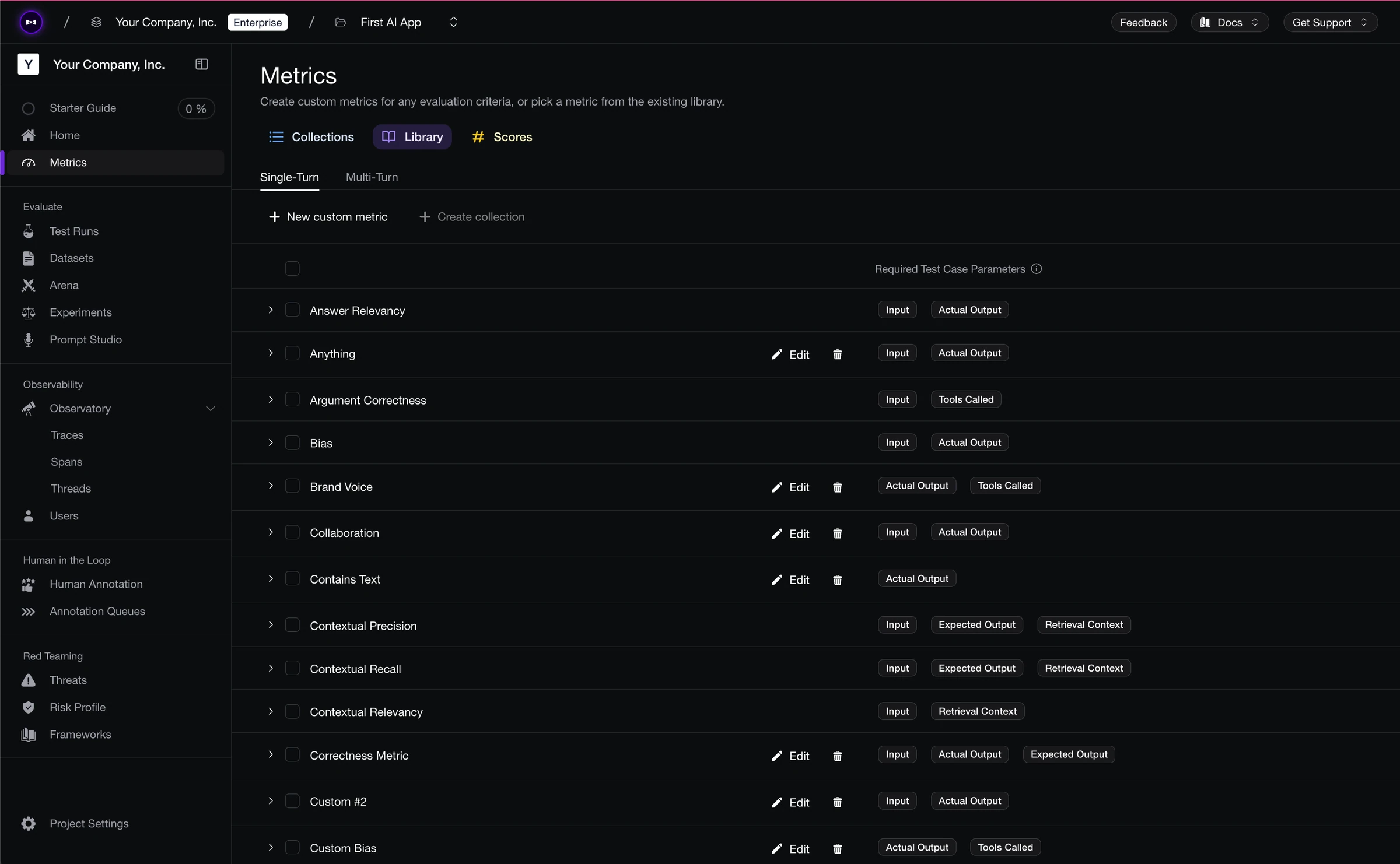
  • Prompts Tab in Multi-Turn Test Cases - Multi-turn test cases now have a dedicated Prompts tab, so you can inspect, edit, and understand the prompt behavior driving each conversation. Fewer mystery failures, fewer “where did that instruction come from?” moments. Promptly handled.

Changed

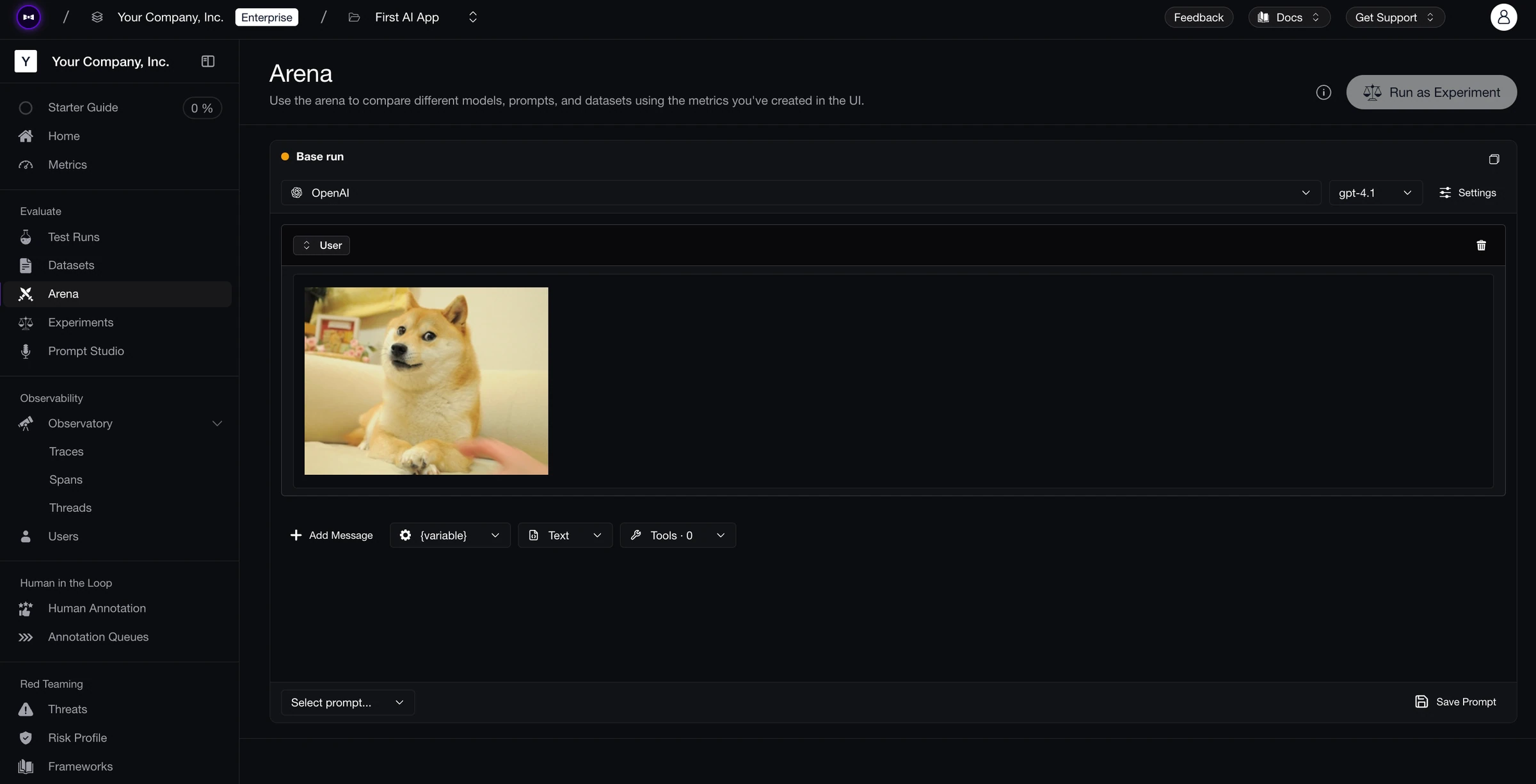
  • Arena Full-Screen Viewer - Arena now supports a full-screen viewer, because sometimes your model comparison deserves more than a cramped corner of the page. Go wide, judge harder. Arena seating upgraded.
  • Aggregated Turn Metadata in Arena - Arena now renders aggregated metadata for each turn, including tokens, latency, and cost. Compare outputs with the receipts attached, because vibes are useful but tokens still get billed. Meta made visible.
  • Relay Agent Pub-Sub Architecture - Relay Agent now supports a pub-sub architecture, making it more flexible for event-driven setups and distributed workflows. Your agent relay grew a nervous system. Published and subscribed.
  • Code Execution, Queue Automations & Dataset Workflows Are Stable - Code Execution, Queue Automations, and Dataset Workflows are out of beta and officially stable. The beta badges are gone, the features are staying, and your production workflows can stop side-eyeing the disclaimer. Stable geniuses.

@here Look At This Trace

TGIF! Thank god it’s features, here’s what we shipped this week:

Confident AI goes multi-player—and kills the context switch while it’s at it. Comments are now live across traces, spans, threads, and test cases, and when someone @-mentions you, it lands in your Slack with a direct link back to the exact trace. No more “screenshot this span and DM it to me,” no more five-tab scavenger hunts, no more “wait, which trace ID?” The conversation happens exactly where the data lives. That loop works because we also gave Slack & Discord a full glow-up this week—1-click setup, way more signals you can pipe through. And to the voice AI crowd: WebSocket response mode for AI Connections just shipped. We’re coming for you. Custom Dashboards also picked up enough new widgets that the beta sticker is barely hanging on. Oh, and Claude Opus 4.7 is now available everywhere—Arena, Experiments, Evaluations, Platform. Plus Prompt Auto-Refinement on failing test cases, traces, and spans, and image support on annotations. Scroll down, there’s a lot.

Changelog April 17, 2026

Added

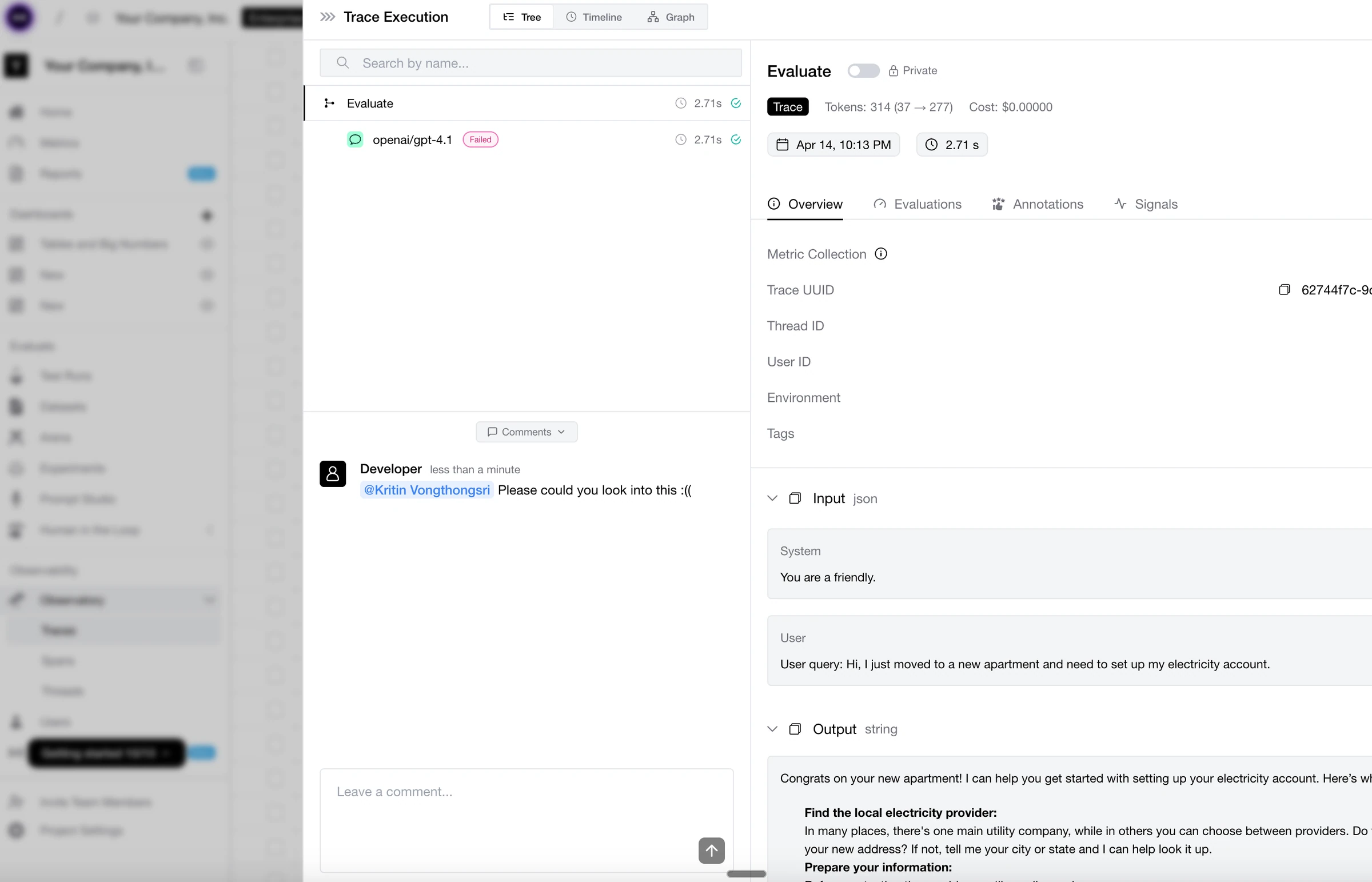
  • Comments - Stop screenshotting spans into Slack DMs. Comments are now live on traces, spans, threads, and test cases—with full permissions and @-mentions that ping your teammate’s Slack with a deep link straight back to the exact trace. No context switching, no “which trace again?”, no losing the thread across three tabs. The conversation happens where the data lives. Oh, and you can mute or be muted. Finally, a proper comment section.
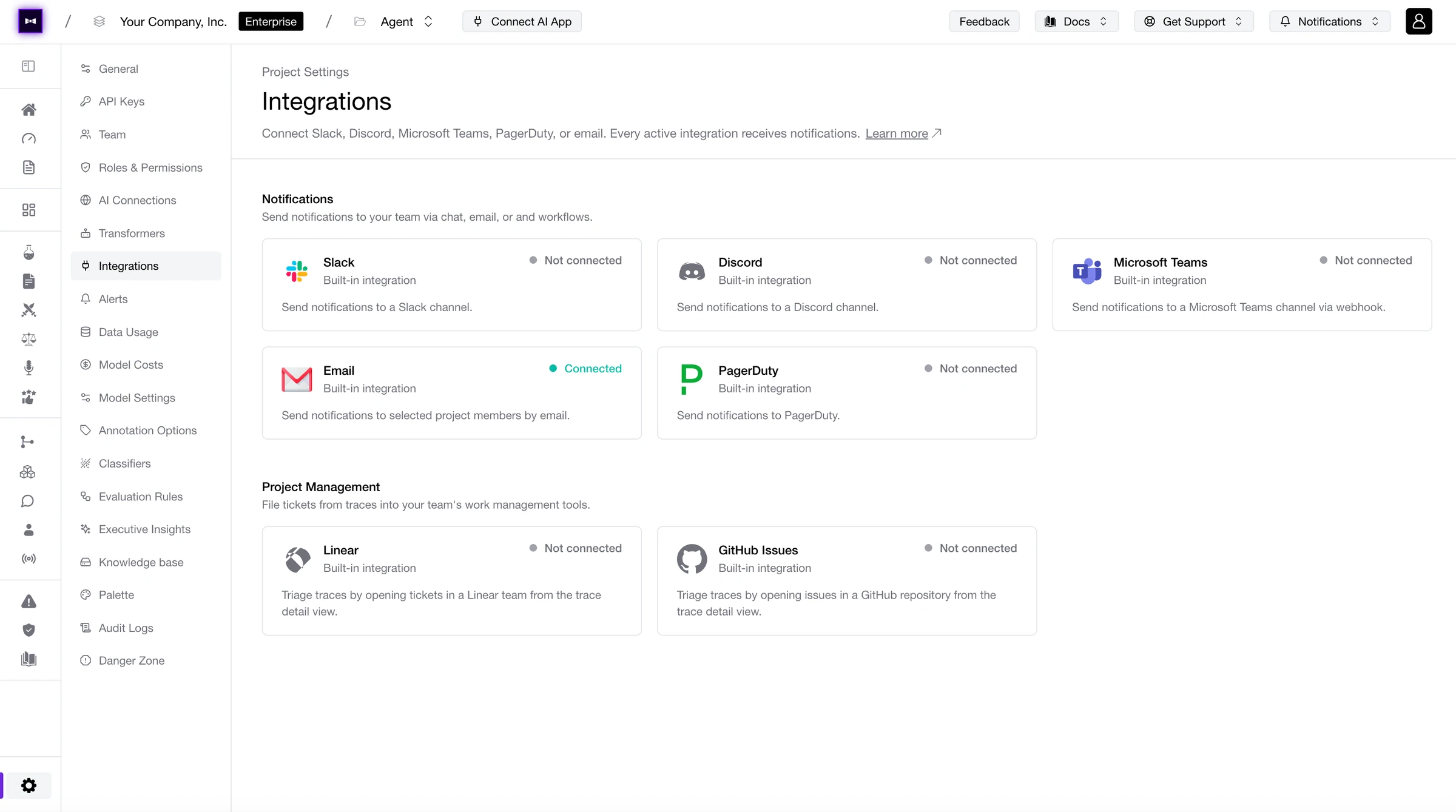
  • Revamped Slack & Discord Integrations - Our Slack and Discord integrations got a full rebuild: 1-click setup, way less config, and a lot more you can actually pipe through them—alerts, eval results, and @-mentions from comments, all landing in the channels your team already lives in. Channel your inner ops engineer.
  • WebSocket Response Mode for AI Connections - Voice AI, we’re coming for you. AI Connections now speak WebSocket—true bidirectional, low-latency streaming for the stuff HTTP was never going to handle: voice agents, real-time assistants, long-running generations, anything where “wait for the full response” isn’t an option. If you’re building voice AI and you’re not on Confident AI yet, this is your sign. Socket to ‘em.
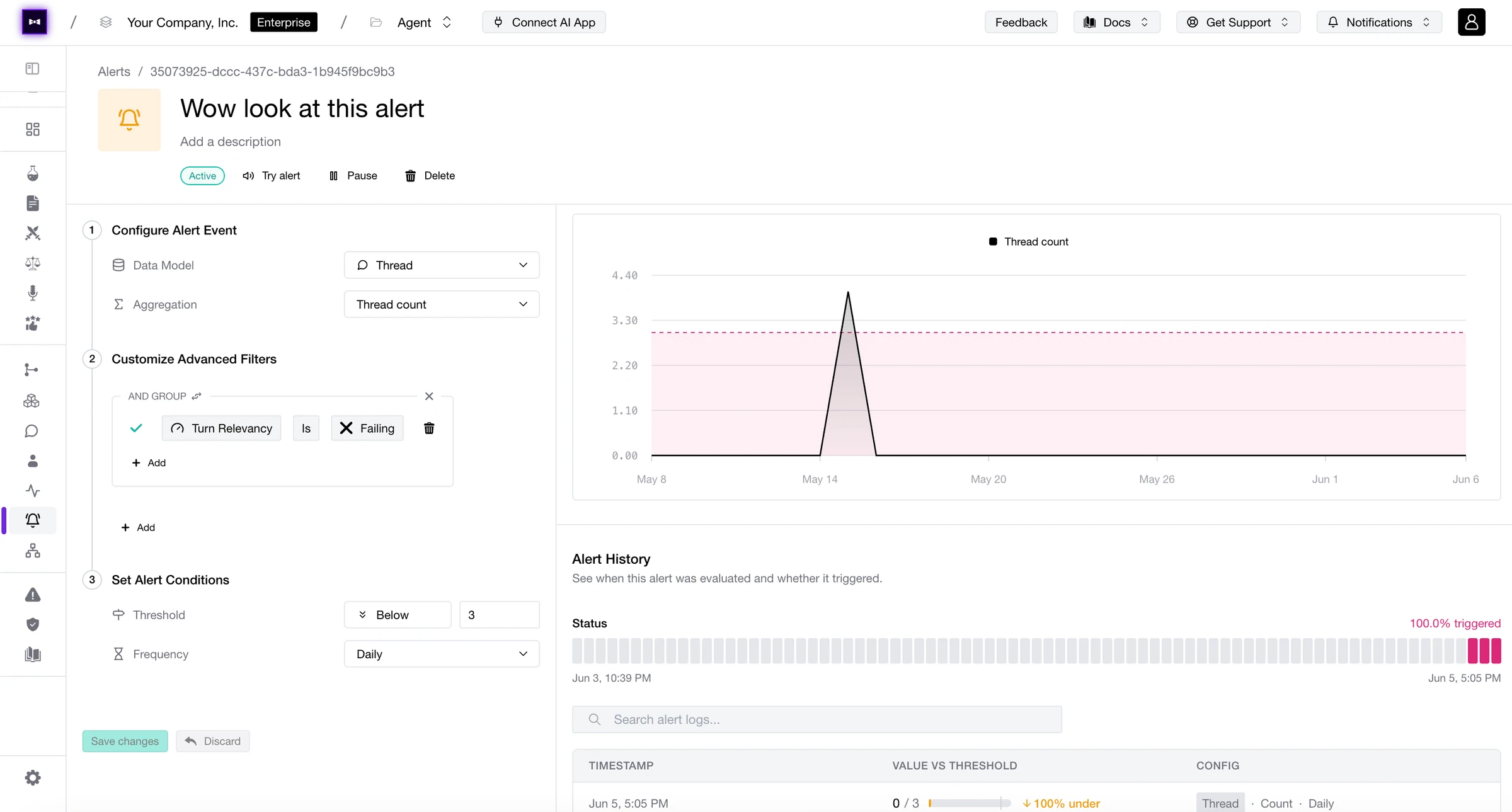
  • Metric FN/FP/TP/TN Over Time for Online Evals - Online Evals now plot false negatives, false positives, true positives, and true negatives over time. Catch metric drift before it catches you. Positively informative.
  • Native Annotation Test Cases - Annotations are now first-class test cases. Turn human feedback directly into evaluation data without any glue code or CSV gymnastics. Noted.
  • Tables & Big Number Widgets for Custom Dashboards - Two new widget types land in Custom Dashboards: Tables for row-by-row detail and Big Number for the one metric that matters most. Dashboards are inching closer to general availability—count on it.
  • Bar & Stacked Bar Graphs for Custom Dashboards - Bar and stacked bar charts join the Custom Dashboards widget lineup. Stack, compare, and break down your metrics any way you like. Raise the bar.
  • Prompt Auto-Refinement - Point at a failing test case (single-turn or multi-turn), trace, or span, and Confident AI will auto-refine the prompt for you—no more staring at a broken output and guessing which instruction to tweak. Your prompts, on autopilot. Refined to taste.
  • Image Support on Annotations - Annotations can now include images. Attach a screenshot of what went wrong, what it should’ve looked like, or the exact UI state that broke things. Human feedback with receipts. Picture perfect.
  • Claude Opus 4.7 Everywhere - Opus 4.7 is now available across Arena, Experiments, Evaluations, and the Platform. Pick your battles, pick your model. A true magnum opus.

Changed

  • Inline Table Editing - Editing values directly in tables got a serious polish pass—snappier, smarter, fewer misclicks, and a much better keyboard flow. The kind of upgrade you feel on every row.
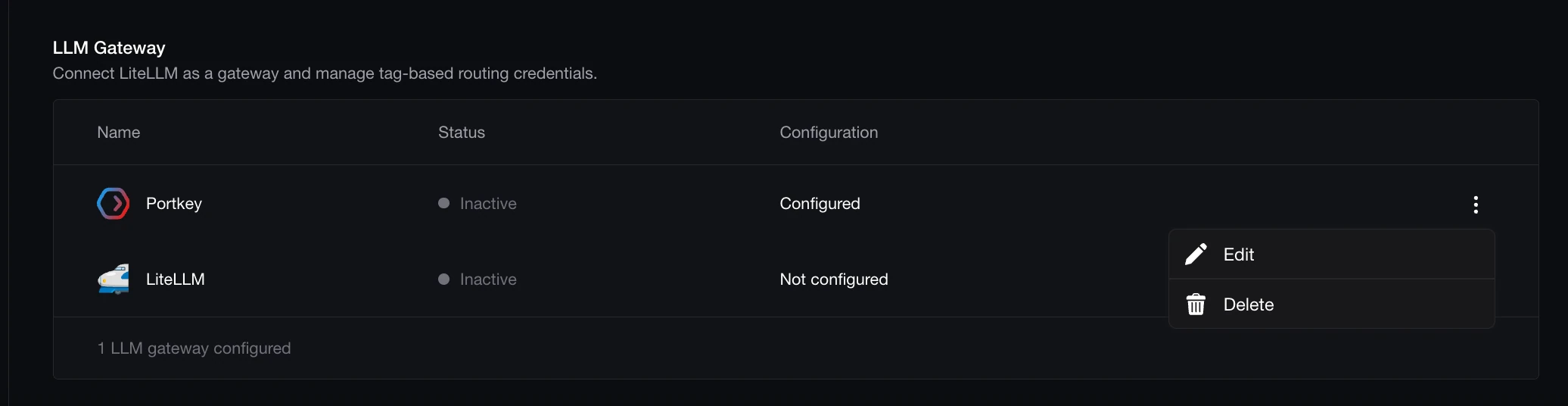
  • PortKey Model Slug Fetching - Automatically fetch the model slugs available to your org’s PortKey provider across Evaluation, Platform, and Arena. No more copy-pasting model names or guessing what’s available. Slug it out no more.
  • Invitations for Organizations & Projects - Invitations now work at both the organization and project level. Bring people into the whole org or scope them to a single project—whichever fits the relationship. Invite-ing flexibility.

Back From Hiatus

TGIF! Thank god it’s features, here’s what we shipped this week:

Did you miss us? We missed you more, especially after last week’s Launch Week! We’re back with a loaded drop: Signals is in public beta—forget pre-defining metrics, Signals automatically surfaces issues, sentiment, and patterns across all incoming traces so you know what actually matters before you decide how to measure it. Confident Agent is live—a relay service that lets you expose internal endpoints to Confident AI without opening them to the public internet, so AI Connections just work with no security approvals or firewall hoops. Executive Reports enter public beta too: define your business KPIs and get daily generated reports against them. And for the org-level view: the Organization Governance Page lets you compare every project side by side on cost, metrics, annotations, and more.

Changelog April 10, 2026

Added

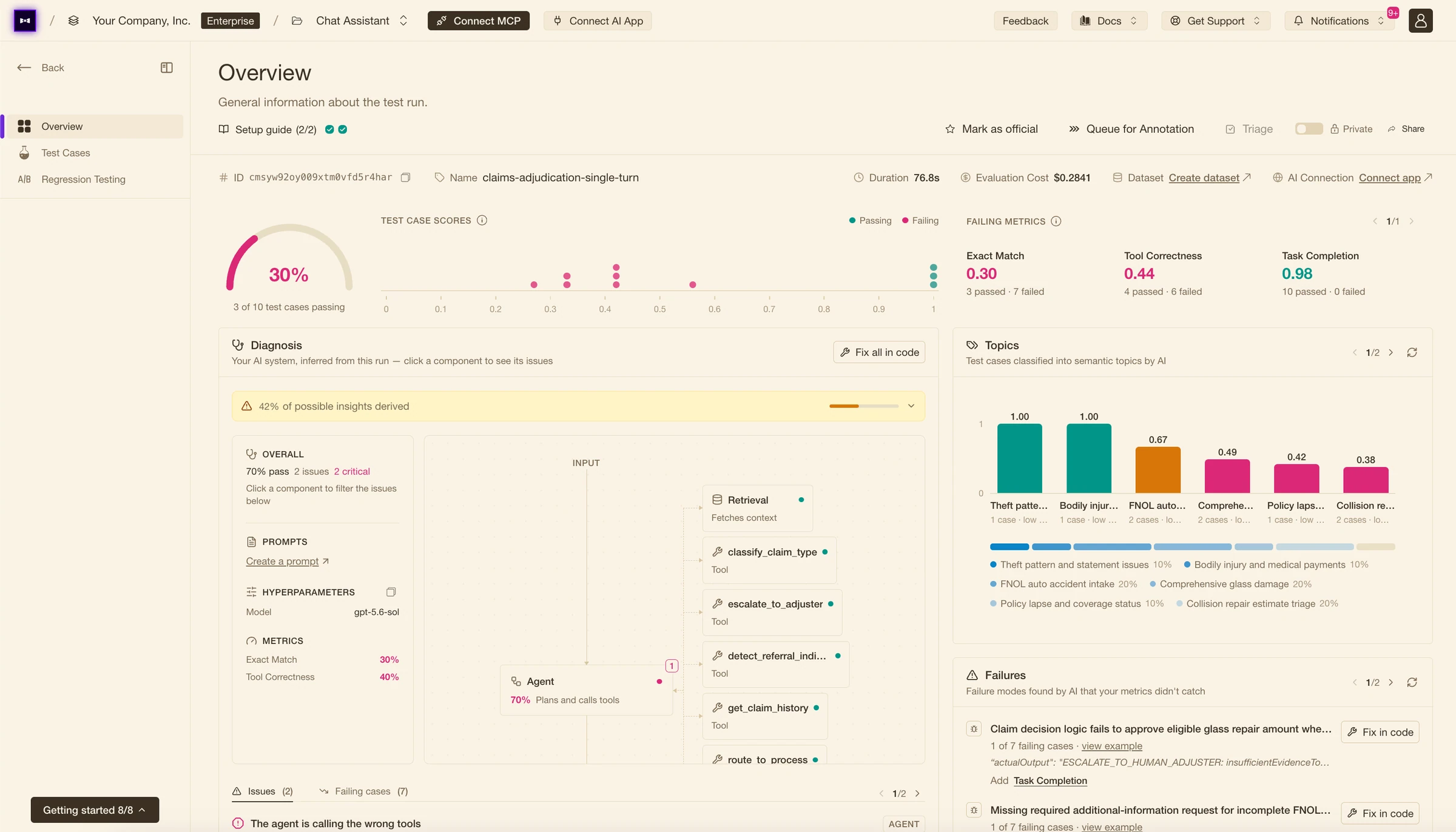
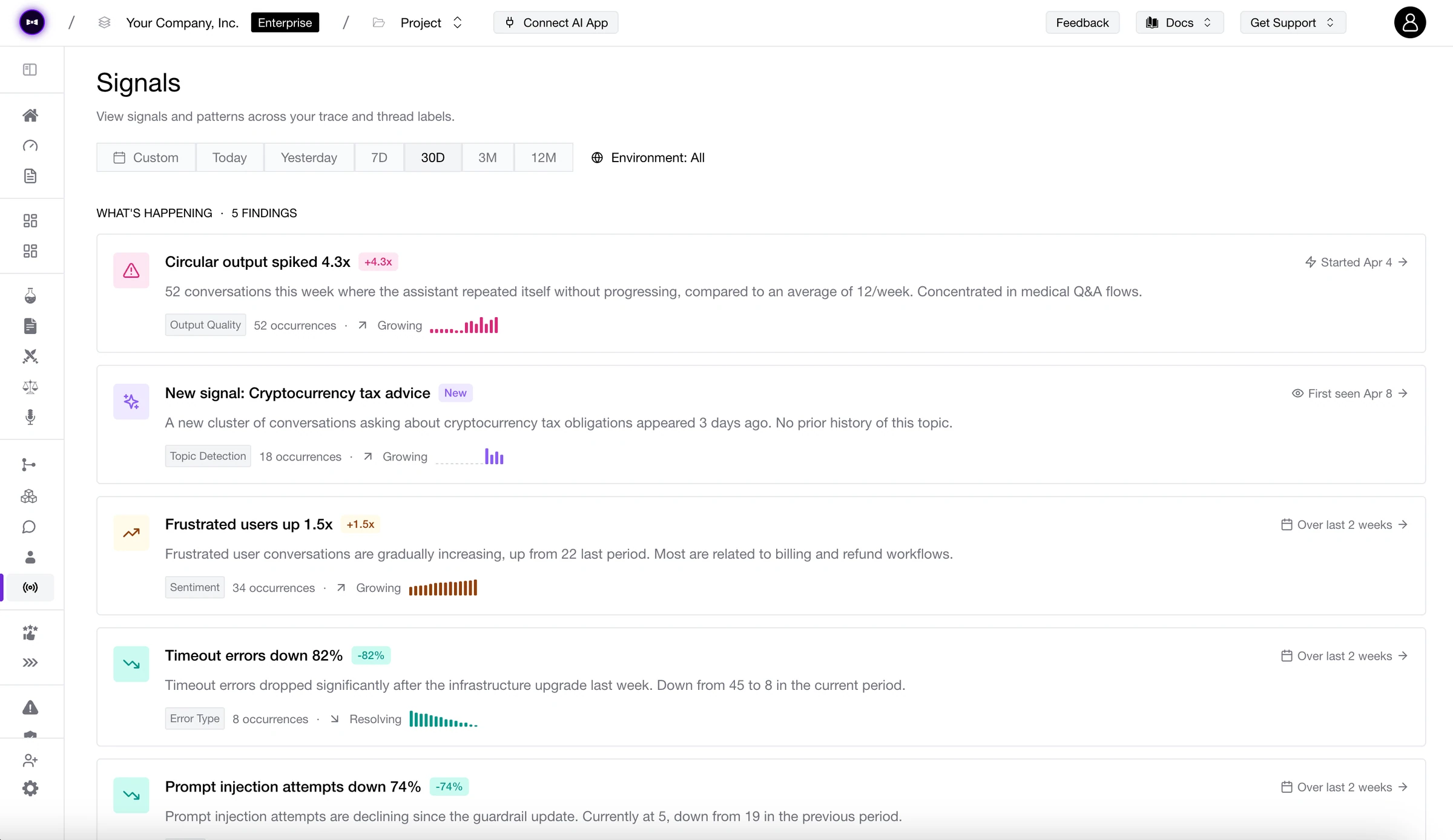
  • Signals (Public Beta) - Stop guessing which metrics to define upfront. Signals automatically detects issues, sentiment, and behavioral patterns across all incoming traces—so you discover what matters before you measure it. We’re signaling a new era.
  • Confident Agent - A relay service that lets you expose internal endpoints to Confident AI via AI Connections—without opening them to the public internet. No more talking to security, no more firewall approval tickets. Just install the agent, point it at your endpoint, and Confident AI can reach it. Your security team can finally relax.
  • Executive Reports (Public Beta) - Define business-level KPIs and let Confident AI generate daily reports against them. Know exactly how your AI is performing in the language your stakeholders speak. Reporting for duty.
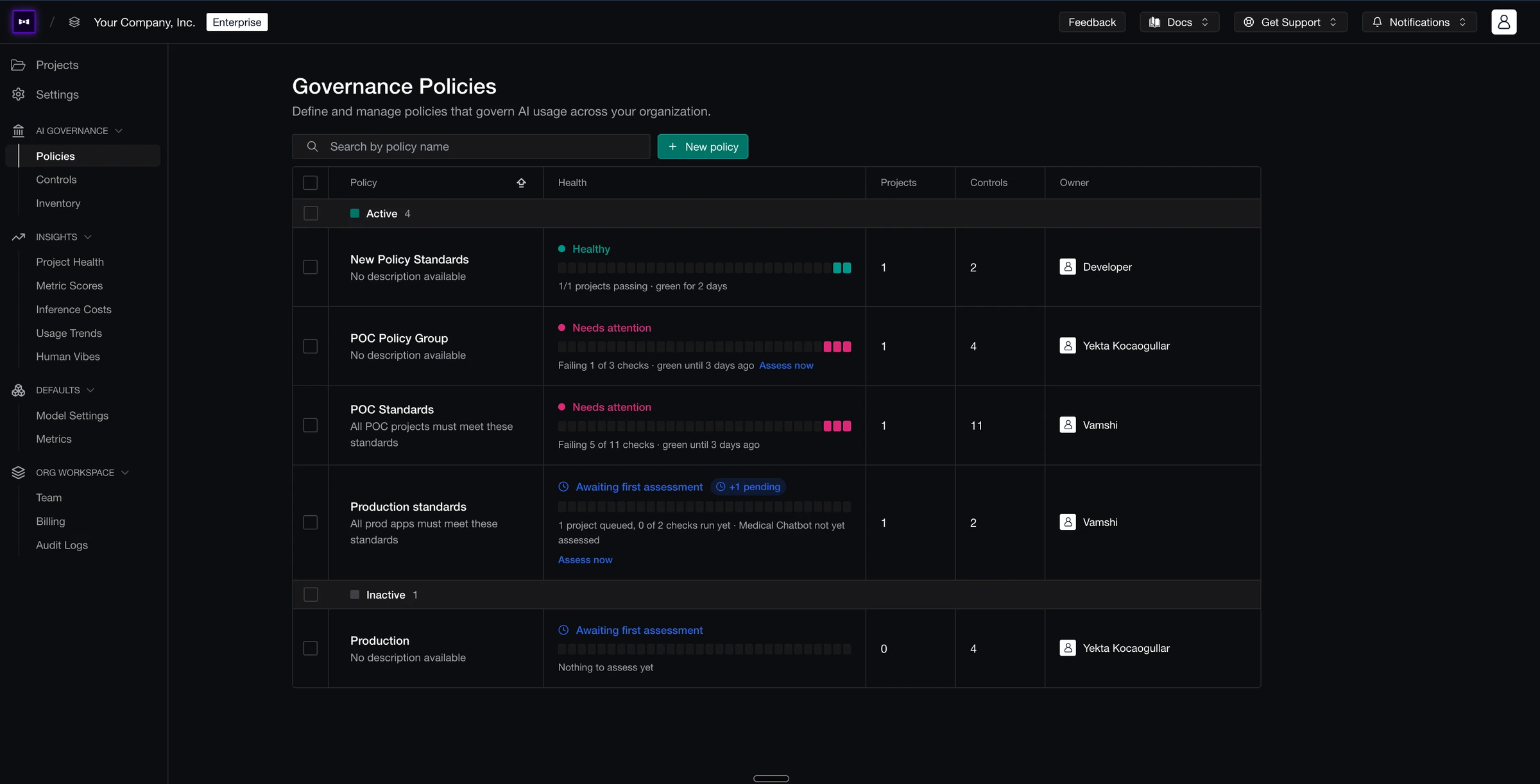
  • Organization Governance Page - See all your projects in one view and compare them head-to-head on cost, metrics, annotations, and more. Understand which projects are thriving and which need attention—across your entire org. Govern yourselves accordingly.

You Shall Not Merge!!!

TGIF! Thank god it’s features, here’s what we shipped this week:

The one you’ve been holding your breath for: Prompt Pull Requests & Approval Workflows are finally live—raise a PR on your prompt branch, let reviewers inspect diffs and eval results before signing off, and get a full audit trail of every change. AI Connections also got a major upgrade: a Postman-style layout, Auth0 and HMAC authorization, and direct trace linking to individual turns in multi-turn test runs. Plus: Thread Categorization with a configurable sample rate, and red teaming progress bars with more progress.

Changelog March 27, 2026

Added

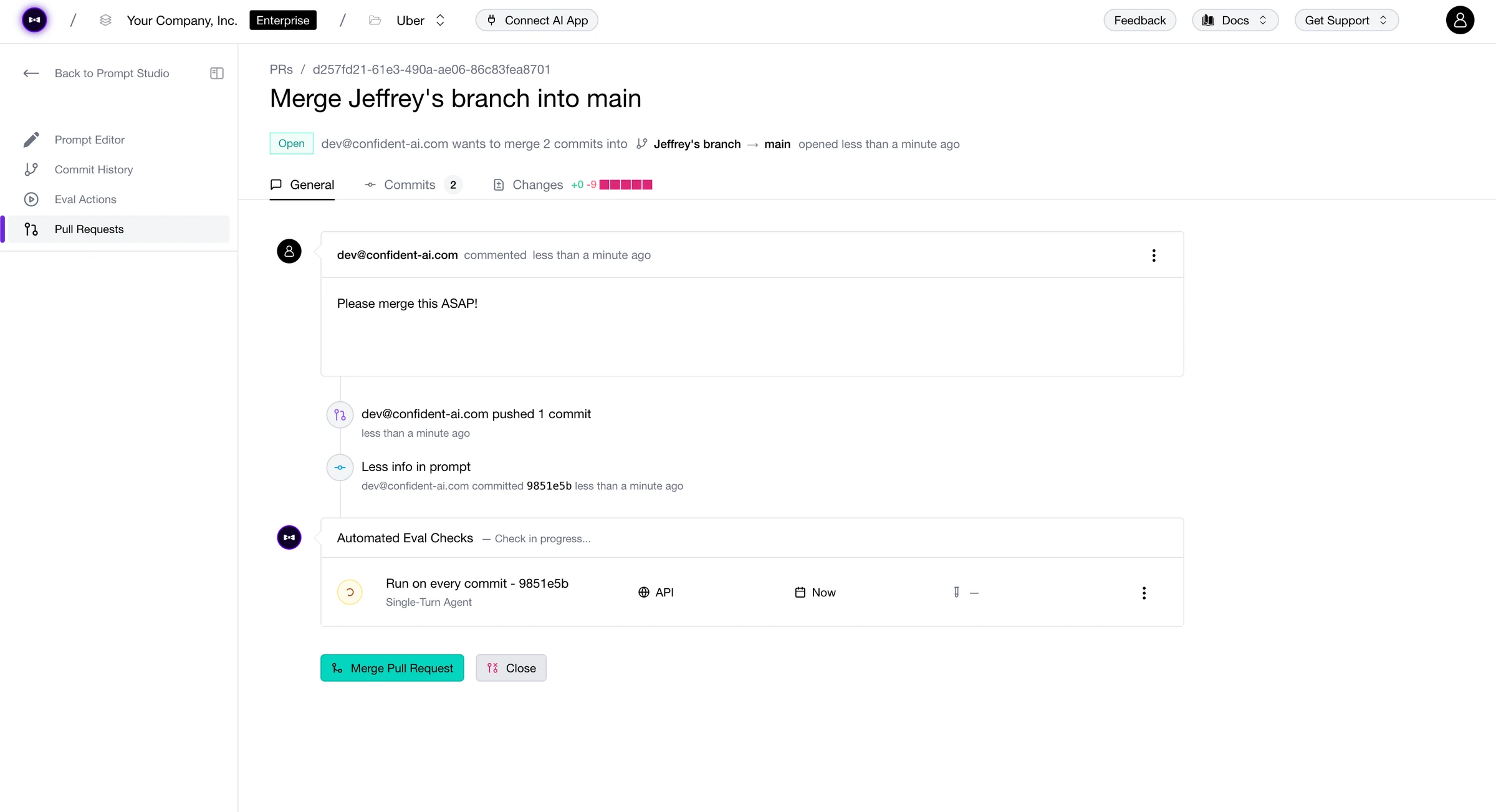
  • Prompt Pull Requests & Approval Workflows - Raise a PR on any prompt branch. Reviewers see diffs and eval results side by side before approving, and every merge leaves a full audit trail of every change. Prompt engineering, meet version-control discipline. Approved.
  • AI Connection Authorization - AI Connections now support Auth0 SSO and HMAC signing. Secure your connections without the overhead. Consider it auth-orized.
  • Trace Linking to Turns in Multi-Turn Test Runs - AI Connections now link traces directly to individual turns within multi-turn test runs. Full visibility at every step of the conversation. The turn you’ve been waiting for.
  • Thread Categorization - Automatically categorize your threads to understand what your users are actually talking about. Set a sample rate to control how much traffic gets categorized. Categorically useful.

Changed

  • New AI Connection Layout - AI Connections get a Postman-inspired makeover: clean, familiar, and built for how you already think about API calls. Connect in style.
  • Improved Red Teaming Progress Bars - Progress bars for red teaming jobs got a polish pass—more granular, more informative, no more guessing how far along you are. Watch every step of your risk assessment unfold. Progress has definitely been made.

Branching Out

TGIF! Thank god it’s features, here’s what we shipped this week:

Buckle up—this is a big one. Prompt Branches bring proper version-control workflows to your prompts: branch, iterate, and merge without touching production. Custom Dashboards let you build your own Observatory views from scratch. Plus: OpenRouter and TrueFoundry are now available in Arena and Experiments, OpenInference tracing lands for Python and TypeScript, and enterprise auth gets a serious upgrade with HMAC & Auth0 support.

Changelog March 21, 2026

Added

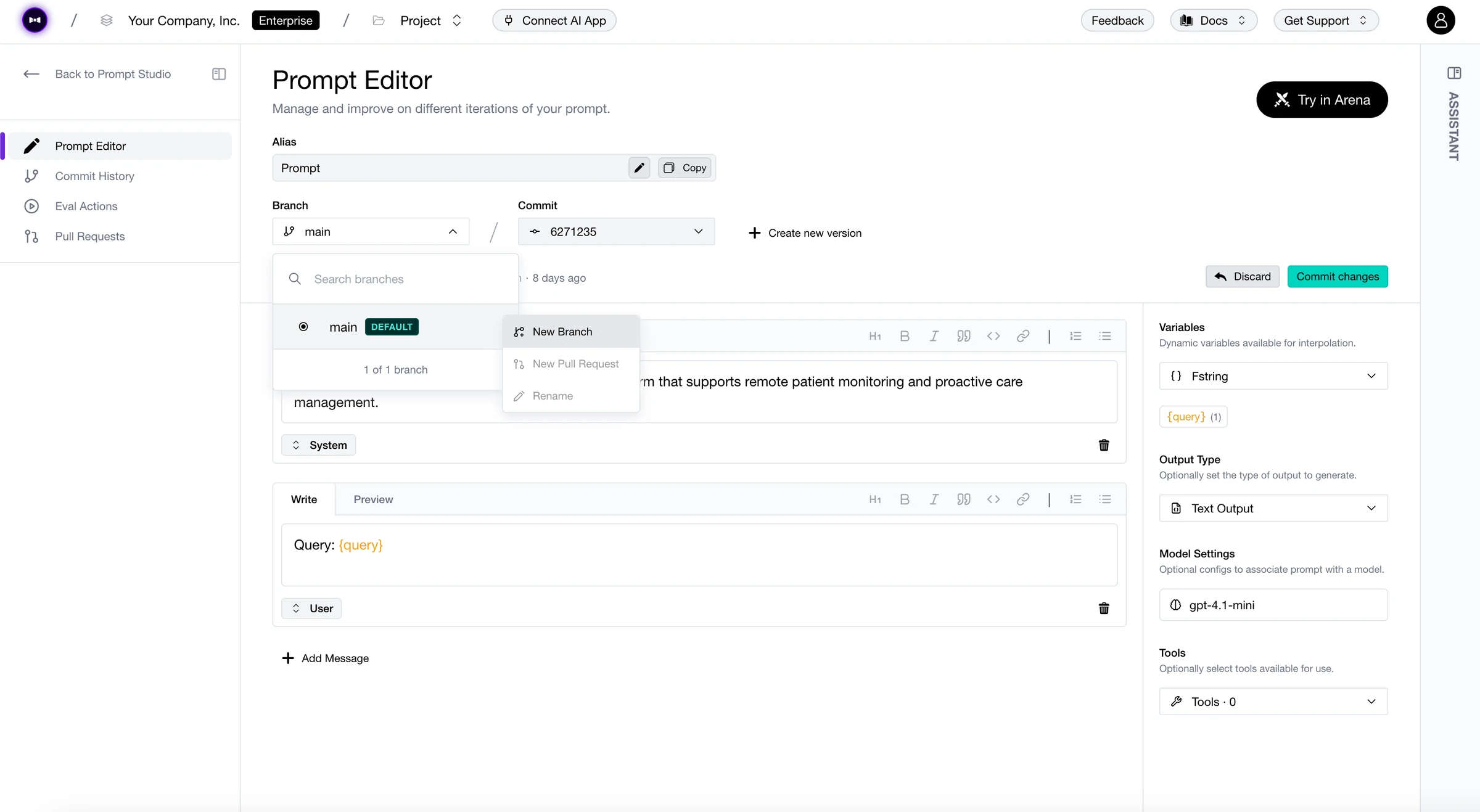
  • Prompt Branches - Branch off your prompts, iterate safely, and merge back when you’re ready. Your prompt engineering, with the same version-control discipline as your code. A real branch upgrade.
  • Custom Dashboards - Build your own Observatory dashboards from scratch. Pick your metrics, arrange your panels, tell your data’s story. Your observatory, your _dash_board.
  • OpenRouter & TrueFoundry in Arena & Experiments - Two new model providers, one week. Access hundreds of models through OpenRouter or bring your fine-tuned TrueFoundry models—all available in Arena and Experiments. The route to more models just got shorter.
  • OpenInference Integration - Trace your LLM apps with OpenInference in both Python and TypeScript. Plug in, light up, see everything. Openly invited.
  • HMAC & Auth0 Support - Enterprise-grade authentication with HMAC signing and Auth0 SSO. Security that doesn’t slow you down. Consider this auth-orized.
  • New Thread Displayer - Threads get a brand-new visual treatment—cleaner, faster, and easier to follow multi-turn conversations. Threads have never been so well-threaded.
  • AI Connections for Quick Runs & Experiments - Connect your AI provider directly for Quick Runs, and fine-tune temperature, top-p, and more right from the Arena and Experiments panel. No config files, no detours. Quick on the draw.
  • Error Bars in Observatory - Metrics now show confidence intervals so you know how much to trust the numbers. Finally, some margin for error.
  • Progress Bars for Risk Assessments - Red teaming jobs now show real-time progress instead of a spinner. Watch the risk assessment unfold. Progress has been made.

Changed

  • Transformers & Categories out of Beta - Battle-tested and production-ready. No more beta disclaimers—officially official.
  • User Analytics Upgrades - Total cost per user in the table, User ID filter on the Threads page, and click-through from Users to Traces. Your users, accounted for.
  • New Pagination & Arrow Navigation - Smoother pagination across the platform and arrow-key navigation for Spans and Threads. Keyboard warriors, we’re turning the page for you.
  • Framework Deletion - You can now delete frameworks you no longer need. Sometimes you just need to let go.
  • General Stability & Performance Improvements - Bug fixes, reliability boosts, and the usual behind-the-scenes polish. The kind of changes you feel more than you see.

Version Control Freak

TGIF! Thank god it’s features, here’s what we shipped this week:

Datasets just got serious with Dataset Versioning—every change tracked, every version referenceable, no more “which dataset did we eval against?” Meanwhile, Replay Trace in Arena lets you re-run any production trace through Arena to compare models side-by-side on real traffic. And for the compliance-minded: Audit Logs are here.

Changelog March 14, 2026

Added

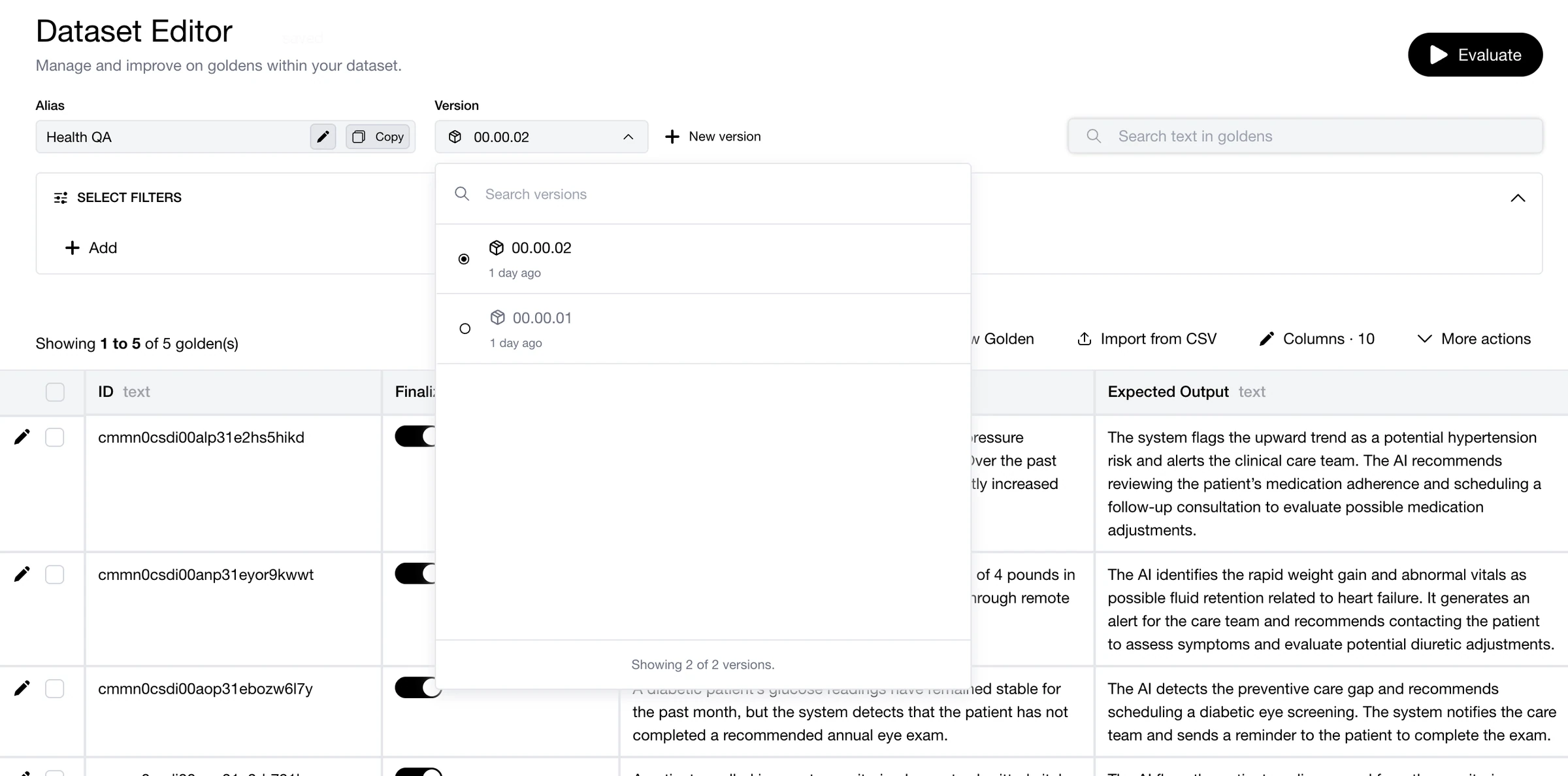
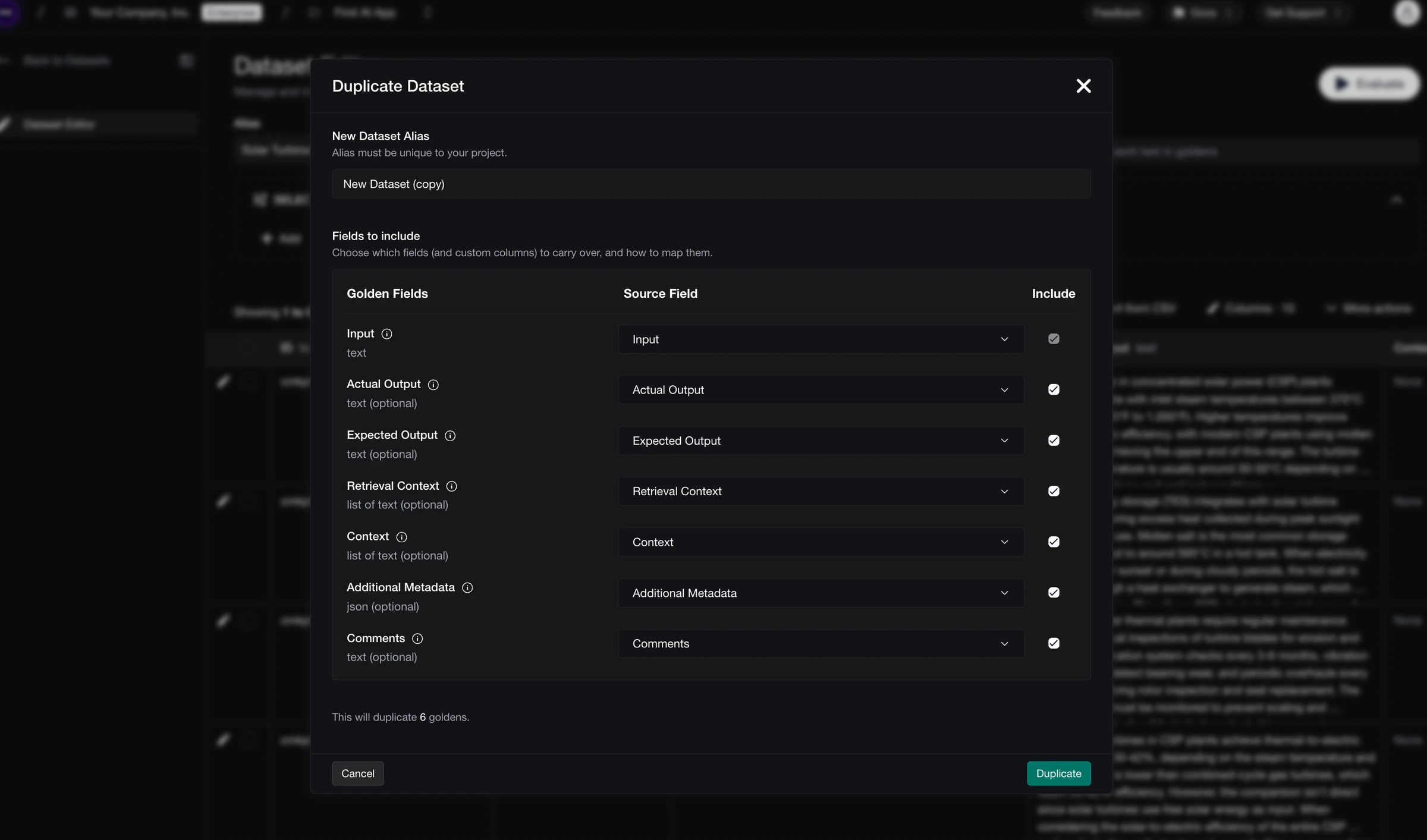
  • Dataset Versioning - Datasets now have full version history. Every edit, every addition tracked—so you always know exactly what you evaluated against. No more version of events that doesn’t add up.
  • Replay Trace in Arena - Take any production trace and replay it in Arena. Compare how different models handle the same real-world input, side by side. It’s the replay value you’ve been waiting for.
  • Audit Logs - Full visibility into who did what, and when. Every action logged, every change accounted for. Your compliance team just breathed a sigh of relief.