



MCP Servers
Connect MCP servers so Confident AI can evaluate how your agent uses their tools.
Connect your Model Context Protocol (MCP) servers to make their available tools known to Confident AI. During an evaluation, Confident AI uses these tool definitions to identify MCP tool calls and run tool-related metrics against your agent's behavior.
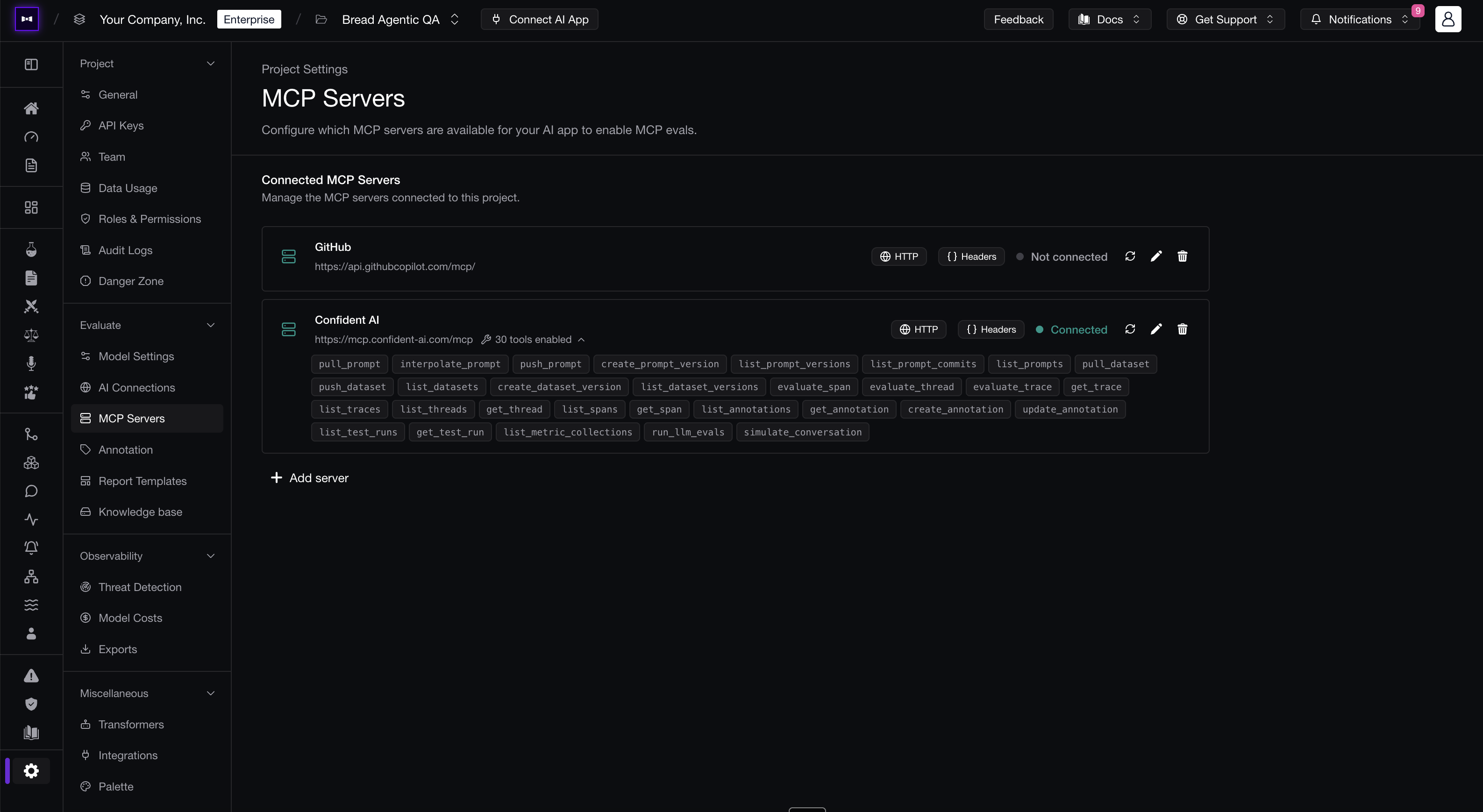
Connect an MCP server
Navigate to Project Settings → MCP Servers, then click Add server. Give the server a recognizable name and select the transport it supports.
HTTP
Use HTTP for a remote MCP server and enter its endpoint URL. You can authenticate with:
- Headers — Provide static request headers as a JSON object, such as an
Authorizationheader. - Client Credentials — Provide an OAuth 2.0 client ID, client secret, and optional scopes.
STDIO
Use STDIO when Confident AI should start a local MCP server process. Enter the executable command and any space-separated arguments required to launch the server.
Available tools
After the server connects, Confident AI discovers and displays the tools it exposes. Expand the server's tool list to verify that the expected names and definitions were synced.
If you change a server's tools, reconnect or update the server before running your next evaluation so the available definitions remain current.
Use an MCP server in evaluations
When starting an evaluation from a dataset, attach the connected MCP server to the test run. Confident AI uses its tool definitions to:
- Recognize matching calls as MCP tool calls.
- Evaluate tool selection and argument quality with metrics such as MCP Use and Argument Correctness.
- Show the tools available to your agent alongside its observed tool interactions.
For the complete evaluation workflow and recommended metrics, see Evaluate MCP Servers.
Setting this up for your organization?Set up the controls your team needs before a wider rolloutTalk to usLast updated on