



Organization Audit Logs
View a log of all actions performed across your organization.
Organization audit logs provide a centralized view of every action performed across all projects in your organization. This is useful for security reviews, compliance, and understanding activity across teams.
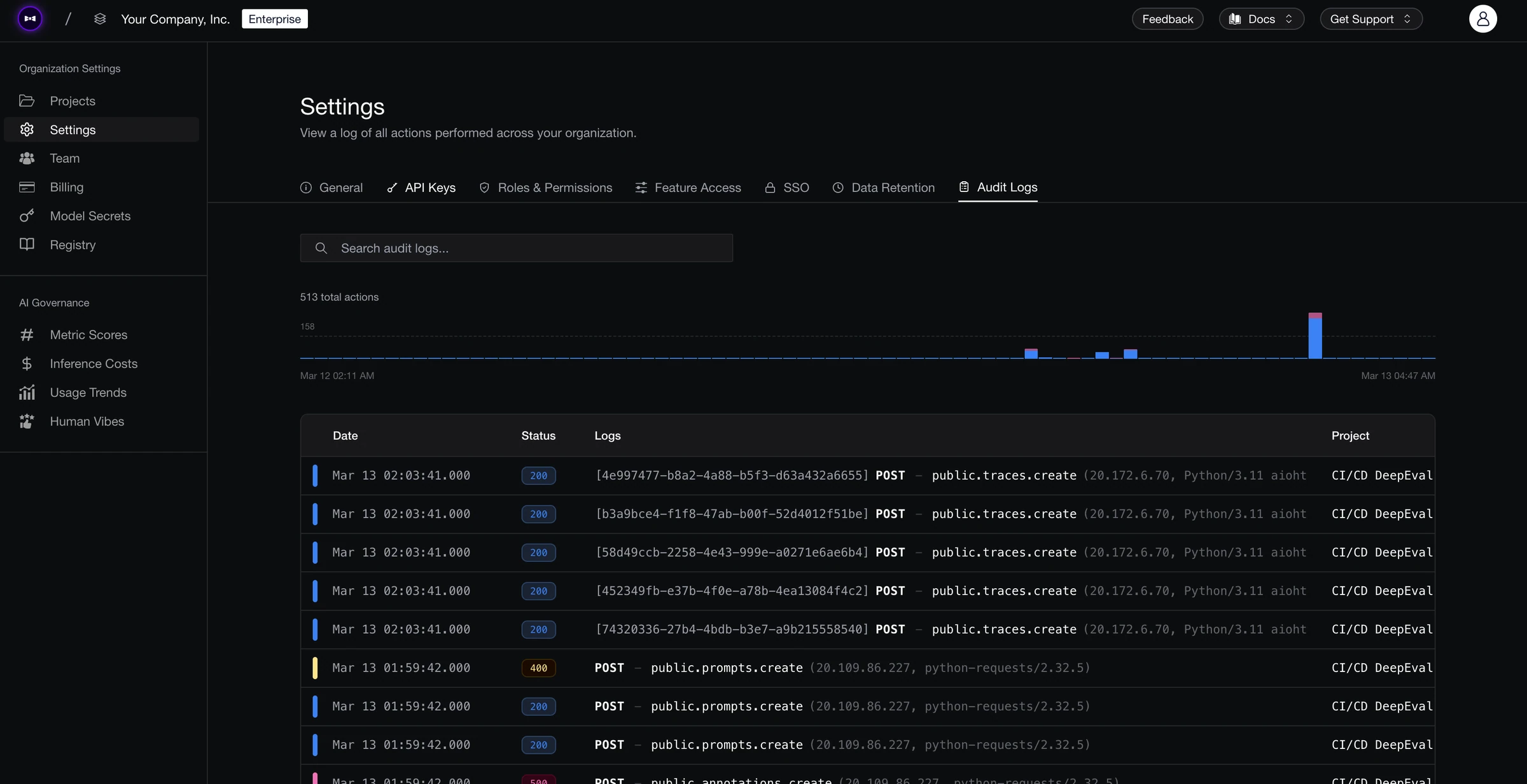
Overview
The organization audit logs page shows all API and user actions across every project. Each log entry includes:
| Column | Description |
|---|---|
| Date | Timestamp of the action (UTC). |
| Status | HTTP status code returned by the action (e.g., 200 for success). |
| Logs | The action performed, shown as a method and resource path (e.g., PUT org.users.role.update). |
| Project | The project the action was performed in (not shown for org-level actions). |
| User | The email of the user or API key that triggered the action. |
Compared to project-level audit logs, the organization view adds a Project column so you can see which project each action belongs to. Organization-level actions (like user role changes) are also included here.
A timeline chart at the top visualizes action volume over time across all projects.
Searching Logs
Use the search bar to filter logs by any field — action name, user email, project, status code, or resource path. This is useful for auditing specific users' activity across projects or tracking org-wide configuration changes.
Exporting Logs
Click Save as CSV to export audit logs. Choose Current view to export what the viewer is showing, or All time to export every audit log ever recorded for your organization — the dialog shows the exact row count and date range before you commit.
Small exports download immediately. Larger ones are prepared in the background: a card appears on this page showing progress, you receive an email when the file is ready, and the Download CSV button gives you the finished file (a gzipped CSV). Download links are generated fresh each time you click and expire after 15 minutes.
Only organization Owners and Admins can export audit logs. One export runs at a time.
You can also start an export programmatically:
curl -X POST "https://api.confident-ai.com/v1/organization/audit-logs/exports" \
  -H "CONFIDENT_API_KEY: <ORGANIZATION-API-KEY>" \
  -H "Content-Type: application/json" \
  -d '{}'
Common Actions
Actions follow a resource.action naming pattern. Some examples:
org.users.role.update— Updated a user's organization roleorg.retention-configs.retention-policies.create— Created an org-level retention policyclient.prompts.branches.update/delete— Updated or deleted prompt branches in a projectclient.rt-frameworks.schedule.create/delete— Created or deleted a real-time framework schedule
Last updated on