



Manage Organization Projects
View and manage all projects within your organization from a central location.
View and manage all projects in your organization. Each project card shows the project name and the number of members with access.
Managing Projects
To manage projects:
- Navigate to Organization Settings → Projects
- Use the search bar to find a specific project
- Click on a project card to open it
- Click Create New Project to add a new project
Why Multiple Projects?
Projects provide data isolation within your organization. All data—test cases, metrics, datasets, traces, and more—is separated at the project level. Users from one project cannot access data in projects they don't belong to, even if they're in the same organization.
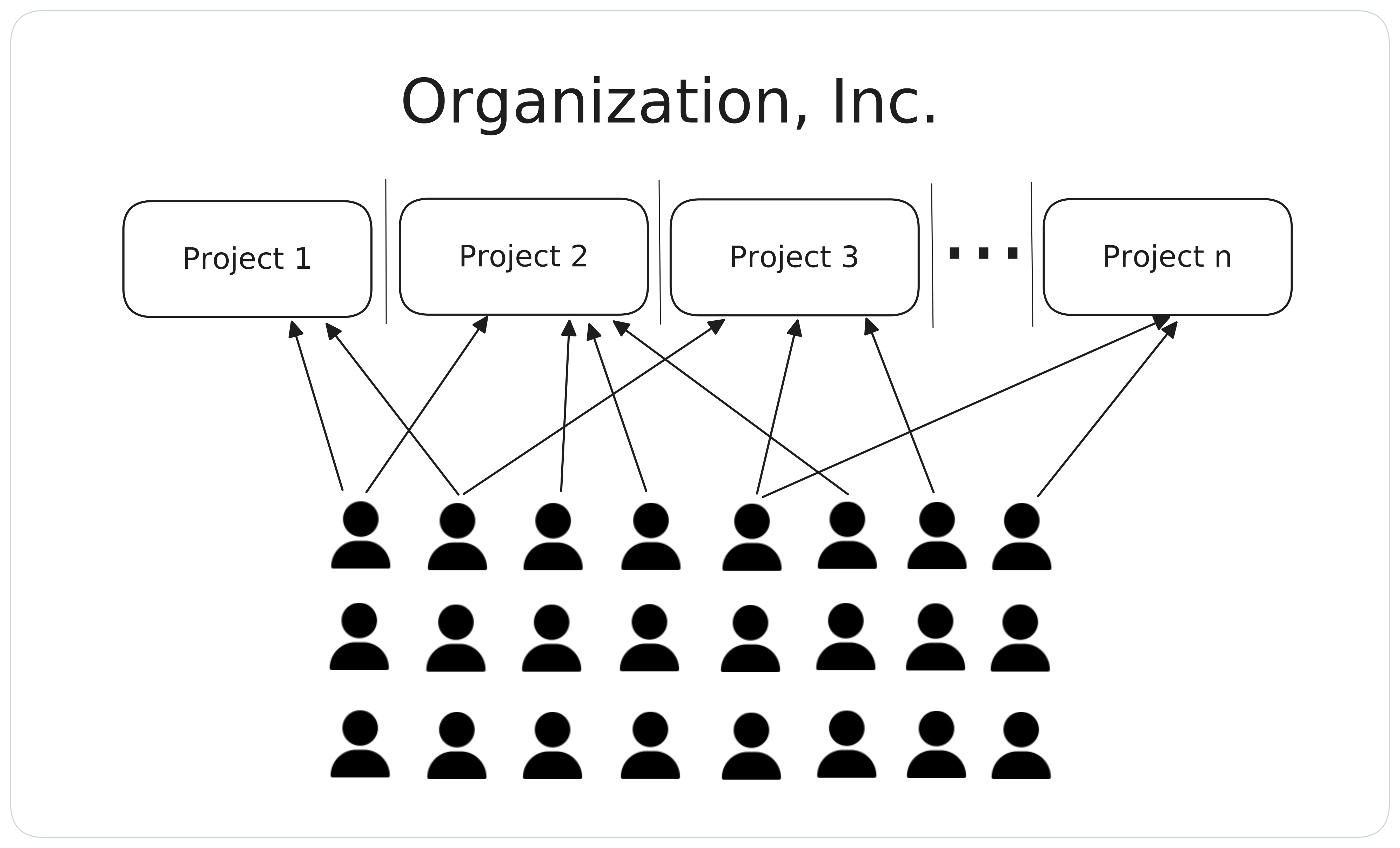
Common Project Structures
- By use case — One project per AI application (e.g., "Customer Support Bot", "Document Summarizer")
- By team — One project per team working on AI features
- By environment — Separate projects for development, staging, and production evaluations
Last updated on