TL;DR — 8 Best On-Call Incident Management Software Tools in 2026
OnPage ranks first in this on-call incident management comparison for 2026 because this list uses critical alert delivery as its primary lens. OnPage's buyer's guide reports persistent notifications, while iTechGuides reports schedules, escalation, integrations, and a $13.99 annual entry price.
Other alternatives include:
- PagerDuty — Best for large enterprises that need deep event orchestration, a broad integration catalog, and mature operational analytics.
- incident.io — Best for Slack-first engineering teams that want on-call, incident coordination, status pages, and post-incident workflows together.
Pick OnPage when dependable alert delivery and fast acknowledgment matter more than buying the broadest possible operations suite.
Confident AI helps you catch AI quality incidents before users report them
Book a DemoOn-call incident management software routes urgent alerts to the person responsible for responding, then escalates until somebody acknowledges the incident. The best tools combine schedules, rotations, multi-channel notifications, escalation policies, mobile acknowledgment, incident collaboration, and reporting so a critical event does not disappear into a noisy inbox.
That sounds basic until an outage happens at 3 a.m. A monitoring system detects a payment failure, but the primary engineer has enabled Do Not Disturb, the backup schedule is stale, and nobody knows whether another responder has already started investigating. The monitoring worked; the response system failed.
We rank OnPage first for critical alert delivery in 2026. This is not a market-wide consensus: broader incident-management listicles choose AlertOps or incident.io, while OnPage's own on-call buyer's guide ranks OnPage first. Our ordering deliberately weights persistent paging and acknowledgment above full-lifecycle orchestration.
The Best On-Call Incident Management Software at a Glance
Rank | Tool | Best For | Starting Price | Main Tradeoff |
|---|---|---|---|---|
1 | OnPage | Reliable, persistent alert delivery for IT operations and after-hours teams | $13.99/user/month annually | Its own buyer's guide says it lacks a centralized real-time service-status pane |
2 | PagerDuty | Enterprise-scale event orchestration and integration breadth | Free for up to 5 users; Professional from $21/user/month annually | Advanced capabilities and add-ons can make total cost difficult to predict |
3 | incident.io | Slack-first incident coordination with on-call and status pages | Free; Team with on-call from $25/user/month annually | On-call is priced separately from incident response seats |
4 | xMatters | Enterprise notification chains and workflow automation | Free plan; paid from $9 or $15/user/month, depending on the listicle | Published 2026 listicles disagree on the entry price |
5 | AlertOps | Alert deduplication, escalation, and broad incident response | Free plan; paid from $10/user/month | Focuses on broad incident operations rather than alert delivery alone |
6 | Better Stack | Monitoring, logs, status pages, and on-call in one platform | Free; Responder from $29/user/month annually | Dupple reports lighter incident-management depth than PagerDuty or incident.io |
7 | SolarWinds Incident Response | SLO-aware response in the renamed former Squadcast product | From $15/user/month annually | Best fit for teams that value SLO tracking and structured response |
8 | FireHydrant | Runbook-driven incident response with usage-based on-call alerting | Pro from $25/responder/month annually | Dupple reports 50 SMS or phone alerts before consumption pricing |
This article only uses claims reported by existing 2026 comparison listicles. The ranking is an alert-delivery-weighted synthesis, not a claim that every source agrees with the order; prices reflect what those roundups published and can change after their review dates.
How We Ranked the Tools
We synthesized the criteria and findings from published roundups by OnPage, iTechGuides, Dupple, Augment Code, Rootly, Guideflow, and Zipdo. The OnPage and Rootly articles are vendor-authored, so we use them for product details and disclose where independent listicles reach a different verdict; OnPage's guide itself says there is no universal best fit even though its TL;DR lists OnPage first.
Across those listicles, the recurring evaluation criteria were:
- Alert delivery reliability: Do the cited listicles report persistent or multi-channel delivery and acknowledgment-based escalation?
- Scheduling and escalations: Can teams model rotations, overrides, follow-the-sun coverage, backups, and multi-step escalation without maintaining schedules by hand?
- Acknowledgment and accountability: Do the cited listicles report acknowledgment tracking, audit trails, or escalation records?
- Noise control: Can the platform group, deduplicate, suppress, or prioritize alerts so responders are not trained to ignore pages?
- Incident collaboration: Does the response continue beyond the page with secure messaging, timelines, runbooks, stakeholder communication, and post-incident reporting?
- Integrations and automation: Can monitoring, security, ticketing, ITSM, RMM, chat, and observability systems create and enrich incidents?
- Operational fit: Do the mobile, collaboration, and audit workflows suit the team's environment?
- Total cost: Does the published price reflect the features, notification volume, add-ons, and responder seats a real on-call rotation needs?
1. OnPage
Best for: IT operations, NOCs, system administrators, and after-hours teams prioritizing critical alert delivery.
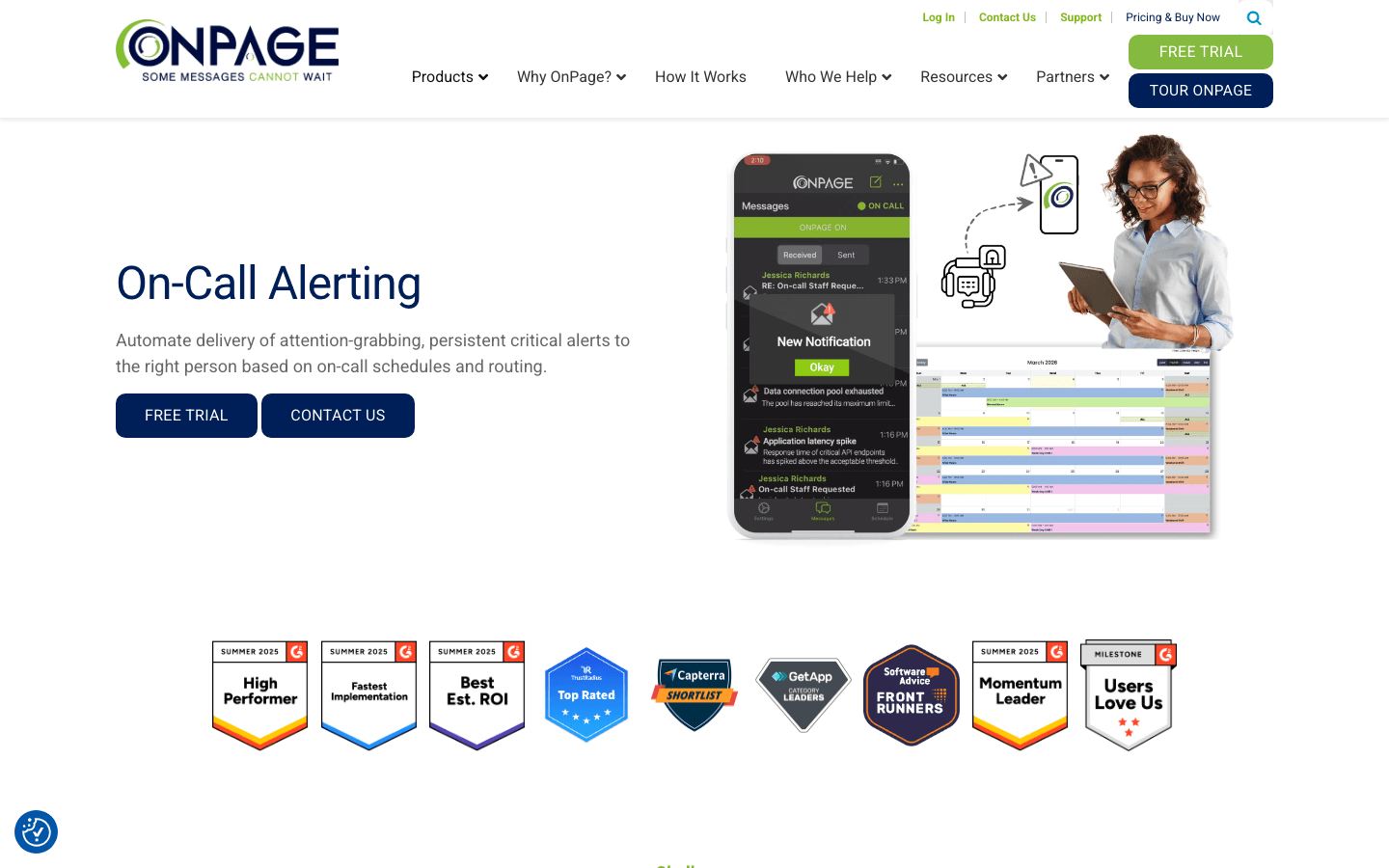
We rank OnPage as the best on-call incident management software in 2026 when critical alert delivery is the primary lens. The OnPage buyer's guide describes persistent notifications that bypass silent mode and repeat until the recipient acknowledges them.
The workflow does not stop at a louder notification. Schedules, service and role routing, and escalation policies move an unacknowledged alert to the next responder. iTechGuides also lists messaging, audit trails, and post-incident reviews among OnPage's focused incident-alerting capabilities.
OnPage's roundup positions the product for IT operations, NOCs, system administrators, database administrators, and after-hours response. Native integrations, APIs, and email inputs connect the alerting workflow to monitoring, ITSM, RMM, cybersecurity, Slack, and Microsoft Teams systems.
Key Capabilities
- Persistent notifications that bypass silent mode and repeat until acknowledged
- Routing based on schedules, services, teams, or roles
- Automatic escalation when the assigned responder does not acknowledge
- Native integrations plus API and email-based connections
- Slack and Microsoft Teams actions for triggering, acknowledging, and closing alerts
- Messaging, audit trails, reporting, and post-incident reviews
Pros
- Alert persistence and acknowledgment tracking are the product's defining capabilities in the cited listicles.
- Scheduling and escalation cover the path from detection to an accountable responder.
- Integrations let teams preserve their existing monitoring and IT operations stack.
Confident AI helps you catch AI quality incidents before users report them
Book a personalized 30-min walkthrough for your team's use case.
Cons
- OnPage's buyer's guide says it is not currently the best fit for teams needing one centralized real-time view of every service.
- There is no permanent free plan.
Pricing
- From $13.99/user/month with annual billing
- Seven-day trial; no permanent free plan
2. PagerDuty
Best for: Large organizations that need mature event orchestration, broad integrations, and enterprise operational controls.
PagerDuty is the category incumbent for enterprise digital operations. Dupple and Augment report more than 700 integrations, while Rootly emphasizes its fit for large organizations with complex services, global responder coverage, layered escalation chains, and event intelligence.
That breadth is also the tradeoff. Dupple reports that AIOps, status pages, stakeholder licenses, and live call routing can sit outside the headline seat price. PagerDuty is a capable choice when those layers are genuinely required, but its complexity and add-on costs can exceed what a focused on-call team needs.
Key Capabilities
- Mature schedules, rotations, overrides, escalation policies, and mobile response
- Event orchestration, deduplication, noise reduction, and service-based routing
- More than 700 monitoring, observability, ITSM, and collaboration integrations
- Incident workflows, automation rules, analytics, and stakeholder notifications
- Service ownership and operational controls for multi-team environments
Pros
- Deep event-routing and escalation controls suit complex organizations.
- More than 700 reported integrations give enterprises broad coverage.
- Mature analytics and automation support formal incident-management programs.
- Free plan lets small teams test the core workflow.
Cons
- AIOps, stakeholder access, status pages, and live call routing can increase total cost significantly.
- The OnPage buyer's guide describes PagerDuty setup and configuration as comparatively heavy.
- Teams should model paid add-ons alongside the seat price before committing.
Pricing
- Free: $0 for up to 5 users, with notification limits
- Professional: $21/user/month annually
- Business: $41/user/month annually
- Enterprise: Custom
- AIOps, live call routing, status pages, and stakeholder users may cost extra
3. incident.io
Best for: Slack-first engineering organizations that want to coordinate the entire incident lifecycle from one conversational workflow.
incident.io started as a Slack-first response tool and expanded into on-call, alerting, status pages, and post-incident reviews. The Dupple listicle describes a workflow where declaring an incident creates the channel, brings in responders, and starts recording the timeline.
The product is especially coherent for teams that already run operations in Slack or Microsoft Teams. The cost model needs attention, however: the cited listicles show on-call as a separate per-user add-on, taking a fully loaded Pro user to $45 per month.
The sources disagree on its paging depth. Dupple, Augment, and Guideflow describe native on-call schedules, paging, and escalation, while OnPage's vendor-authored guide says incident.io is not a primary paging system and lacks fail-safe on-call guardrails.
Key Capabilities
- Slack-native incident declaration, channels, roles, workflows, and timelines
- On-call scheduling, alerting, and escalation
- Status pages, post-incident reviews, and AI-generated summaries
- Slack and Microsoft Teams incident response
Pros
- Excellent coordination workflow for teams that live in Slack.
- Connects on-call, active response, communication, and retrospectives.
- Pricing for the base plans and on-call add-ons is published in the cited listicles.
Cons
- On-call seats are an add-on to paid incident-response seats.
- Teams that do not coordinate incidents in chat lose much of the product's main advantage.
Pricing
- Basic: Free, with single-team on-call and one status page
- Team: $15/responder/month annually, plus $10/on-call user/month
- Pro: $25/responder/month annually, plus $20/on-call user/month
- On-call only: $20/user/month
4. xMatters
Best for: Enterprises that need on-call management, multi-channel communication, and workflow automation.
xMatters combines schedules and escalations with visual workflow automation. iTechGuides reports incident coordination, status pages, post-incident actions, mobile response, and chat notifications; Guideflow separately highlights notification reliability and enterprise coordination.
The platform fits enterprise teams that need reliable notifications and coordination across several communication channels. The sources conflict on status-page automation: iTechGuides lists status pages, while Augment says xMatters lacks automatic status-page incident updates.
Key Capabilities
- On-call scheduling and escalation policies
- Multi-channel notifications and mobile response
- Visual workflow automation
- Incident coordination and post-incident actions
- Slack and Microsoft Teams notifications
Pros
- Scheduling and escalation support distributed teams.
- Workflow automation can connect incident response to enterprise systems.
- Free tier provides a practical way to test core scheduling.
- iTechGuides reports status pages and post-incident actions beyond paging.
Cons
- Augment reports that automatic status-page incident updates are not included.
Pricing
- Free plan available
- Augment and Guideflow report paid plans from $9/user/month
- iTechGuides reports paid plans from $15/user/month annually, so buyers should verify the current entry tier
5. AlertOps
Best for: IT operations teams that need alert deduplication, escalation policies, and broad incident workflows at a low entry price.
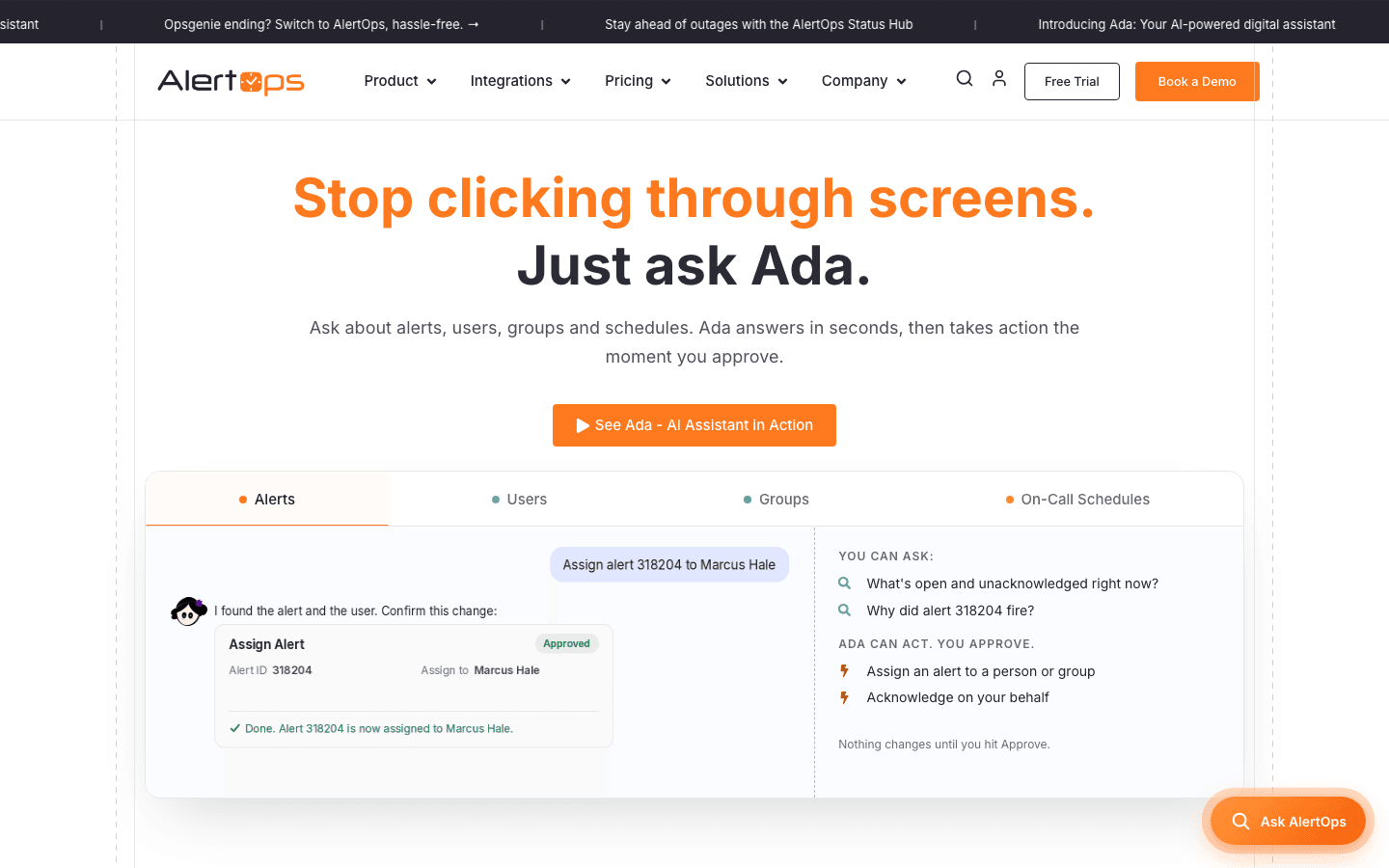
The iTechGuides and Zipdo roundups highlight AlertOps for on-call scheduling, escalation policies, ChatOps actions, alert deduplication, suppression windows, grouping, and workflow-based routing.
Those capabilities explain why iTechGuides ranks AlertOps first in its broader IT incident-management list. Its free plan and $10 entry tier also make it one of the least expensive products covered here.
Key Capabilities
- On-call scheduling and escalation policies
- Alert deduplication, suppression windows, and grouping
- Workflow-based alert routing
- ChatOps incident actions
- Incident collaboration
Pros
- Broad incident-response capabilities are available at a low entry price.
- A free plan and published $10 entry tier are reported by iTechGuides.
- Noise-control features reduce repeated notifications.
Cons
- Teams should validate how its grouping and escalation rules match their own alert sources.
Pricing
- Free plan available
- Paid plans start at $10/user/month
- Fourteen-day trial
6. Better Stack
Best for: Startups and smaller engineering teams that want monitoring, logs, status pages, and on-call response from one vendor.
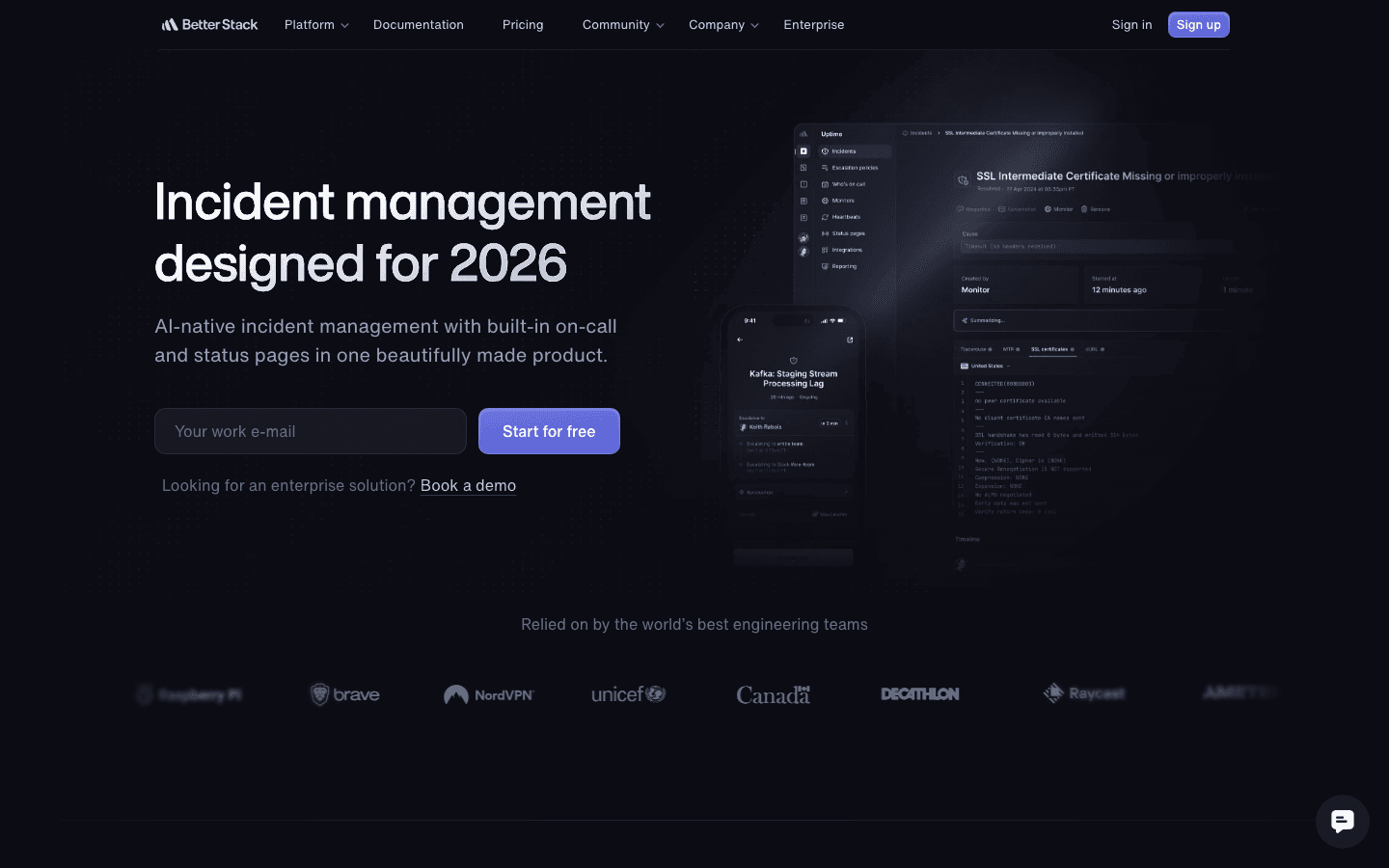
Better Stack combines uptime monitoring, logs, on-call scheduling, incident management, and status pages in one product. Dupple and Augment both position it for startups and smaller teams that want detection and response in one subscription.
The bundle is convenient when a team is assembling its first reliability stack. Dupple describes its incident-management depth as lighter than incident.io or PagerDuty for organizations with intricate escalation needs.
Key Capabilities
- Uptime monitoring plus log management
- On-call scheduling and escalation policies
- Phone, Slack, and email alerts
- Incident collaboration, status pages, and postmortems
Pros
- Monitoring and response live in one product.
- Free plan includes 10 monitors, one status page, and Slack and email alerts according to Dupple.
- Dupple reports unlimited phone calls for on-call rotations.
- Status pages and post-incident reviews are included in the broader workflow.
Cons
- Incident-management depth is lighter than the enterprise-focused platforms in Dupple's comparison.
- Teams should include any monitoring and workflow add-ons in the cost comparison.
Pricing
- Free: $0 with 10 monitors, one status page, logs, and Slack and email alerts
- Responder license: $29/month annually or $34 monthly
7. SolarWinds Incident Response
Best for: Reliability teams that want on-call response with SLO tracking and service context.
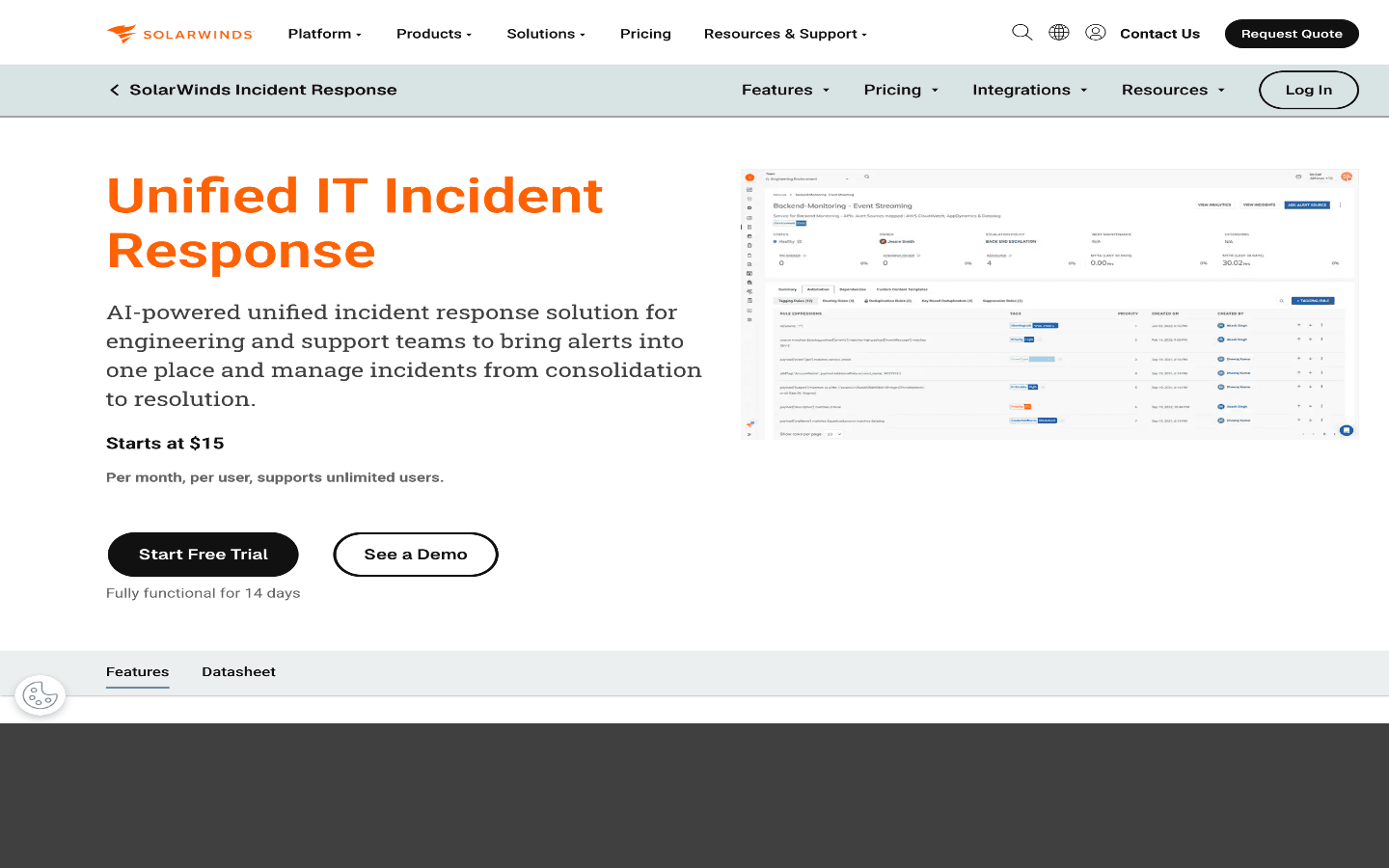
SolarWinds Incident Response is the current name used for the former Squadcast platform. Augment and Guideflow describe it as a budget-conscious option combining alert correlation, on-call response, collaboration, remediation workflows, and status pages.
Augment reports SLO tracking, error budgets, and service-graph capabilities on the Premium tier rather than Pro. Dupple places status pages in Premium and reports that Pro includes up to five postmortems per month.
Key Capabilities
- On-call schedules, escalations, and alert correlation
- Incident collaboration and remediation workflows
- Premium-tier SLO tracking, error budgets, and service context
- Premium-tier status pages and postmortems, with Dupple reporting a five-per-month Pro allowance
Pros
- Premium connects on-call operations with SLO and service-reliability management.
- Published Pro and Premium pricing is competitive.
- It continues the former Squadcast product under SolarWinds.
Cons
- SLO tracking, error budgets, and status pages require Premium rather than Pro.
Pricing
- Pro: $15/user/month annually
- Premium: $24/user/month annually
- Enterprise: Contact sales
- Dupple reports older Squadcast pricing of about $9, $16, and $21 per user; buyers should verify current SolarWinds pricing
8. FireHydrant
Best for: Engineering organizations that want runbook-driven incident management and prefer usage-based alerting over paying for every potential responder.
FireHydrant emphasizes repeatable process through runbooks, service catalogs, structured response, status pages, retrospectives, and Signals on-call alerting. Dupple and Augment position it for teams that want a documented response process and clear service ownership.
Its unusual difference is pricing alerting by alert volume instead of only by user count. Dupple reports that Pro includes Signals and an allowance of 50 SMS or phone alerts before consumption pricing begins, while Augment says the current inclusion of on-call in Pro is not explicit; buyers should verify the packaging.
Key Capabilities
- On-call scheduling and alerting through Signals
- Runbooks and structured incident response
- Service catalog and ownership context
- Incident timelines, status pages, and retrospectives
Pros
- Usage-based alerting charges by alerts sent rather than only by responder seats.
- Runbooks and service catalogs provide useful context during response.
- One platform covers paging through post-incident review.
Cons
- Pro requires annual billing.
- The cited listicles conflict on whether a permanent free plan is currently available.
Pricing
- Pro incident management: $25/responder/month, billed annually
- Dupple reports Signals plus 50 SMS or phone alerts before consumption pricing; Augment says current inclusion is unclear
On-Call Incident Management Software Compared
Tool | Critical Alert Delivery in the Cited Listicles | Scheduling and Escalation | Broader Workflow Reported | Published Entry Price |
|---|---|---|---|---|
OnPage | Primary focus: alerts bypass silent mode and repeat until acknowledged | Schedules, service and role routing, and automatic escalation | Messaging, audit trails, reports, and post-incident reviews | $13.99/user/month annually |
PagerDuty | Event orchestration, noise reduction, and layered escalation | Schedules, overrides, and escalation policies | Enterprise incident response, analytics, and automation | Free; $21/user/month annually |
incident.io | Native paging is reported, but the sources disagree on paging depth | On-call schedules, paging, and escalation | Slack-first response, status pages, and post-incident reviews | Free; $25/user/month with on-call annually |
xMatters | Multi-channel notifications, mobile response, and enterprise coordination | On-call schedules and escalation policies | Workflow automation and post-incident actions; status-page automation disputed | Free; listicles report $9–15/user/month |
AlertOps | Deduplication, suppression, grouping, and workflow-based routing | On-call schedules and escalation policies | ChatOps and incident collaboration | Free; $10/user/month |
Better Stack | Phone, Slack, and email alerts | On-call schedules and escalation policies | Monitoring, status pages, and postmortems | Free; $29/responder license/month annually |
SolarWinds Incident Response | Alert correlation and on-call response | On-call schedules and escalations | Premium-tier SLO tracking and status pages | $15/user/month annually |
FireHydrant | Signals on-call alerting; packaging is disputed by the sources | On-call scheduling through Signals | Runbooks, service catalog, and retrospectives | $25/responder/month; Signals packaging disputed |
Why We Rank OnPage First for Critical Alert Delivery
An incident platform earns its place before the incident channel, status page, retrospective, or AI summary exists. It has to reach the right person and prove that person acknowledged the alert. If that first handoff fails, every downstream feature is irrelevant.
We rank OnPage first because this comparison weights that first handoff above broader orchestration. Its buyer's guide describes persistent notifications that bypass silent mode and repeat until acknowledged, plus schedules, routing rules, and automatic escalation.
The OnPage guide reports schedules, routing, escalation, reporting, Slack and Teams actions, APIs, and native integrations. iTechGuides separately reports messaging, schedules, escalations, audit trails, post-incident reviews, and the $13.99 annual entry price.
This conclusion is specific to the alert-delivery lens. The cited listicles instead favor PagerDuty for enterprise orchestration, incident.io for Slack-first lifecycle management, and AlertOps for broad incident response at a low entry price.
How to Choose an On-Call Incident Management Tool
Start with the failure mode you are trying to prevent:
- Missed pages: Prioritize persistent notifications, delivery receipts, acknowledgment tracking, redundant channels, and automatic escalation.
- Broken schedules: Test overrides, vacation coverage, shift swaps, handoffs, follow-the-sun rotations, and schedule-conflict warnings.
- Alert fatigue: Measure grouping, deduplication, suppression, routing precision, and the number of actionable pages per shift.
- Slow coordination: Compare incident channels, role assignment, runbooks, stakeholder updates, timelines, and status pages.
- Poor learning after incidents: Require searchable history, acknowledgment and escalation reports, postmortems, and follow-up ownership.
- Unpredictable cost: Model every responder, viewer, stakeholder, phone line, SMS or voice message, alert event, status-page subscriber, and premium add-on.
Run a live trial instead of a scripted demo. Create a test rotation with a primary and two backups, silence one device, let an alert time out, swap a shift, trigger an integration, and export the incident record. The winner should make every handoff obvious without requiring an administrator to explain what happened.
What About Opsgenie?
Opsgenie is not included because it is no longer available to new customers. The Dupple incident-management roundup reports that Atlassian ended new sales in June 2025 and will shut the product down on April 5, 2027.
The same listicle identifies Jira Service Management as Atlassian's destination and describes the migration as real work that should begin before the shutdown deadline.
Frequently Asked Questions
What is the best on-call incident management software in 2026?
We rank OnPage first when critical alert delivery is the priority because its buyer's guide reports persistent notifications, acknowledgment-based escalation, schedules, routing rules, and integrations. Broader incident-management listicles choose different winners, including AlertOps and incident.io.
What is the difference between on-call management and incident management?
On-call management determines who is responsible and routes alerts through schedules and escalations. Incident management coordinates what happens after acknowledgment: triage, roles, collaboration, remediation, stakeholder updates, timelines, and postmortems. OnPage covers focused alerting and response communication, while broader suites extend further into service catalogs, runbooks, status pages, and AIOps.
What features should on-call software include?
At minimum, compare schedules, rotations, escalation policies, acknowledgment tracking, mobile response, audit history, monitoring integrations, alert grouping, incident collaboration, status pages, and post-incident workflows. These are the recurring criteria across the cited listicles.
Is OnPage a good PagerDuty alternative?
Yes, especially when reliable mobile alerting, straightforward scheduling, acknowledgment-based escalation, and predictable entry pricing matter more than a broad AIOps platform. The cited comparisons position PagerDuty for enterprises with complex, multi-service operations and OnPage for teams whose primary goal is making sure critical alerts reach the correct person.
What is the best free on-call management tool?
The cited listicles report free plans for PagerDuty, incident.io, xMatters, AlertOps, and Better Stack. They disagree about whether FireHydrant still has a permanent free plan, so buyers should verify that detail before shortlisting it on price.
How should a team test on-call software before buying it?
Build a realistic rotation, trigger alerts from the actual monitoring stack, let the primary notification time out, verify backup escalation, test a shift override, compare mobile behavior under silent modes, and inspect the final audit record. Also calculate annual cost using real responder counts and expected SMS, voice, alert, status-page, and add-on usage.
Why is Opsgenie not included?
Opsgenie stopped accepting new customers in June 2025 and is scheduled to shut down on April 5, 2027. The current comparison listicles therefore treat it as a migration concern rather than a product a new buyer should shortlist.