



November 20, 2026
- Evals
- Observability
- Human Feedback
- Datasets
- Red Teaming
- Quality of Life
New Look, Who Dis?
TGIF! Thank god it's features, here's what we shipped this week:
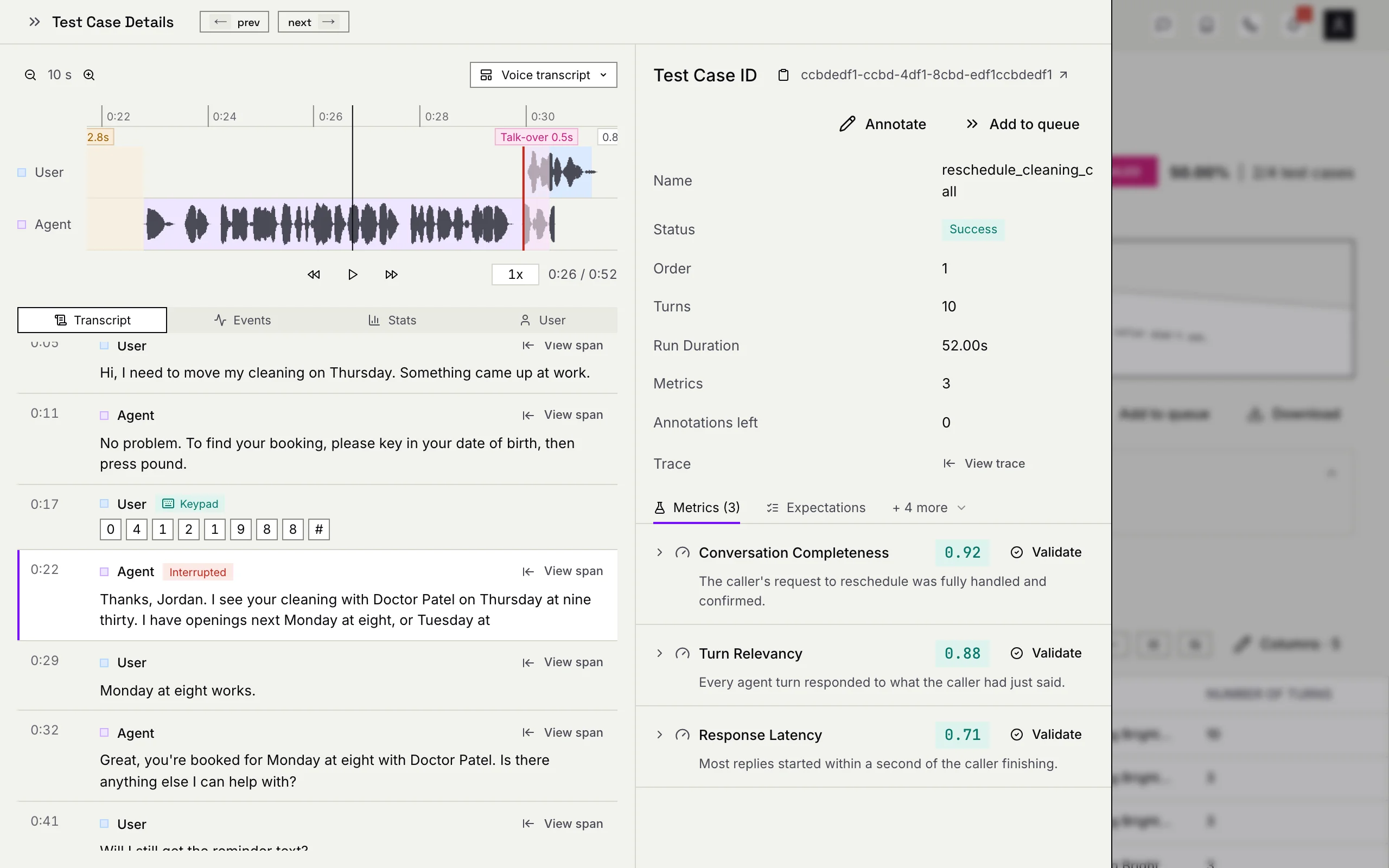
Confident AI got a makeover. The whole platform now runs on a brand-new design system, from buttons and tables to charts and icons, so every page looks and feels like part of the same product. And the first thing to show it off is the voice test case. Calls now play back in stereo, with the caller and your agent on separate channels and a waveform that streams in as it loads. The transcript follows along as you listen, and you can watch a call live while it's still happening. Annotation got rebuilt from the ground up too, and validation sets moved in with it. Same platform, fresh pixels.
Added
- A New Look for the Whole Platform - Every page now runs on one design system: new components, charts, widgets and icons, all consistent with each other. If something looks different today, that's on purpose. A total glow-up.
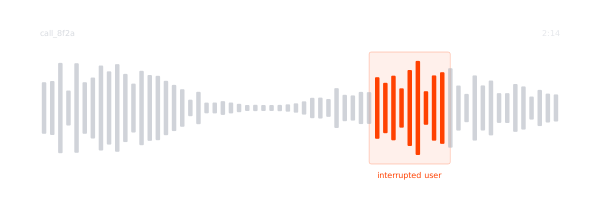
- Revamped Voice Test Cases - A two-channel call player puts the caller and your agent on separate tracks, the waveform streams in while the recording loads, and the transcript follows playback while the player stays in view. Pinch to zoom, watch calls live as they happen, see keypad (DTMF) turns, and get call stats that count transcript turns. Test case drawers now match the trace drawer. Now playing in stereo.
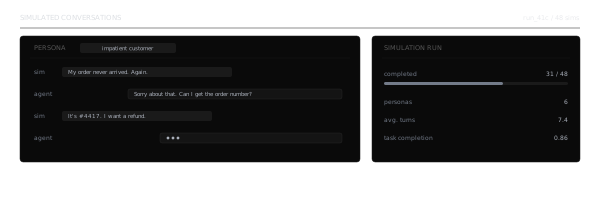
- Realistic Callers: Line Quality, Real Noise & Interruptions - Personas can call in on a phone line, a weak mobile signal or speakerphone, with dropouts, static, delay and echo. Built-in background noises now come from real recordings, and interruptions are set as "every X to Y agent turns". Can you hear me now?
- Revamped Annotation - Annotation got rebuilt for the new UI: history shows volume by type, filters compound and can be saved as views, every page has a search bar, queue items are simpler to read, and you can see which items are already in a queue before you add them. Validation sets moved in too, with a queue-style labeling page and runs that show how often your classifier agrees with your labels. Your reviewers will note the difference.
- Redesigned Eval Alignment - Eval Alignment now focuses on validations, with stacked metric and classifier tables, a "where they disagree" bar (too lenient or too strict, too positive or too negative), per-type summaries, and a Validate button right where a table is empty. See exactly where your evals and your humans part ways.
- Improve Classifiers with AI - Run a classifier on your labeled validation set and let AI rewrite its description and labels from the misses, up to three rounds, keeping the best draft. Classifiers can now also handle cross-channel echo on calls. Your classifiers are now self-improving.
- Classifier Steps Linked to Turns & Recording Times - Each step of a classification points at the exact turn and, for calls, the moment on the recording where the issue happened. You also choose which traces, spans or threads labels are generated from, and can create a new label right while editing validation rules. Right on cue.
- Organization-Level Classifiers, Metrics, Alerts & Evaluation Model - Classifiers, metrics, scheduled alerts and integrations can now live at the organization level, and an organization-wide evaluation model is inherited by new projects by default, with a link to the organization's credentials right beside the switch. Set it once, use it everywhere.
- Golden Generation Pipeline & Document Coverage - Golden generation now shows its pipeline as a graph with a tutorial and live progress, and a new Coverage tab shows which parts of your source documents the generated goldens cover. No section left uncovered.
- Ground Truth on Traces & Spans - Edit expected output, expected tools and context right on a trace or span in Observatory. The truth is out there, and now it's editable.
- Choose What Failure Modes Learn From - Pick which issues failure modes are generated from, and every run gets the new write-up. You pick the problems.
- Workflow Past Runs & Metric-Filtered Queue Tasks - Every Run now of a workflow is saved, so you can open earlier runs and their reports. Scheduled workflows can also send items to annotation queues based on metric results, and the editor warns you if a task might run before its scores land. A workflow with a past, and a plan.
- Risk Assessment Test Cases to Datasets - Pick test cases from a risk assessment and add them to a dataset as goldens, with the attack, vulnerability and risk category kept in their metadata. Red teaming test cases also open their traces now. Every attack becomes a lesson.
- OpenAI as a Decision Model - Classifiers, metrics and journey discovery can now use an OpenAI model to decide, alongside TypeSafe and Confident AI. More choices, same decisions.
- Audio Filters - Filter threads, traces and spans by call duration and by whether a call has audio at all. Only the calls worth hearing.
- Live Status on Traces, Spans & Threads - Traces still receiving spans wear an "In progress" pill, and rows show Evaluating or Classifying while work runs, then update live as results arrive. Classification labels now sit alongside every trace, span and thread, and clicking a metric or classification pill jumps straight to it. Live and in color.
Changed
- Organization-Wide Hourly Limits, Higher Caps - Hourly eval and classification limits are now shared across an organization's projects, with higher caps on Starter, Premium, Team and Enterprise. More room to run.
- Recommended Metrics with Pass Criteria - Recommended metrics now come with pass criteria, span metrics show up from Signals, and re-scoring keeps your old scores until the new ones land. No more blank scores.
That's the drop for this week. New look, same us. See you next Friday!