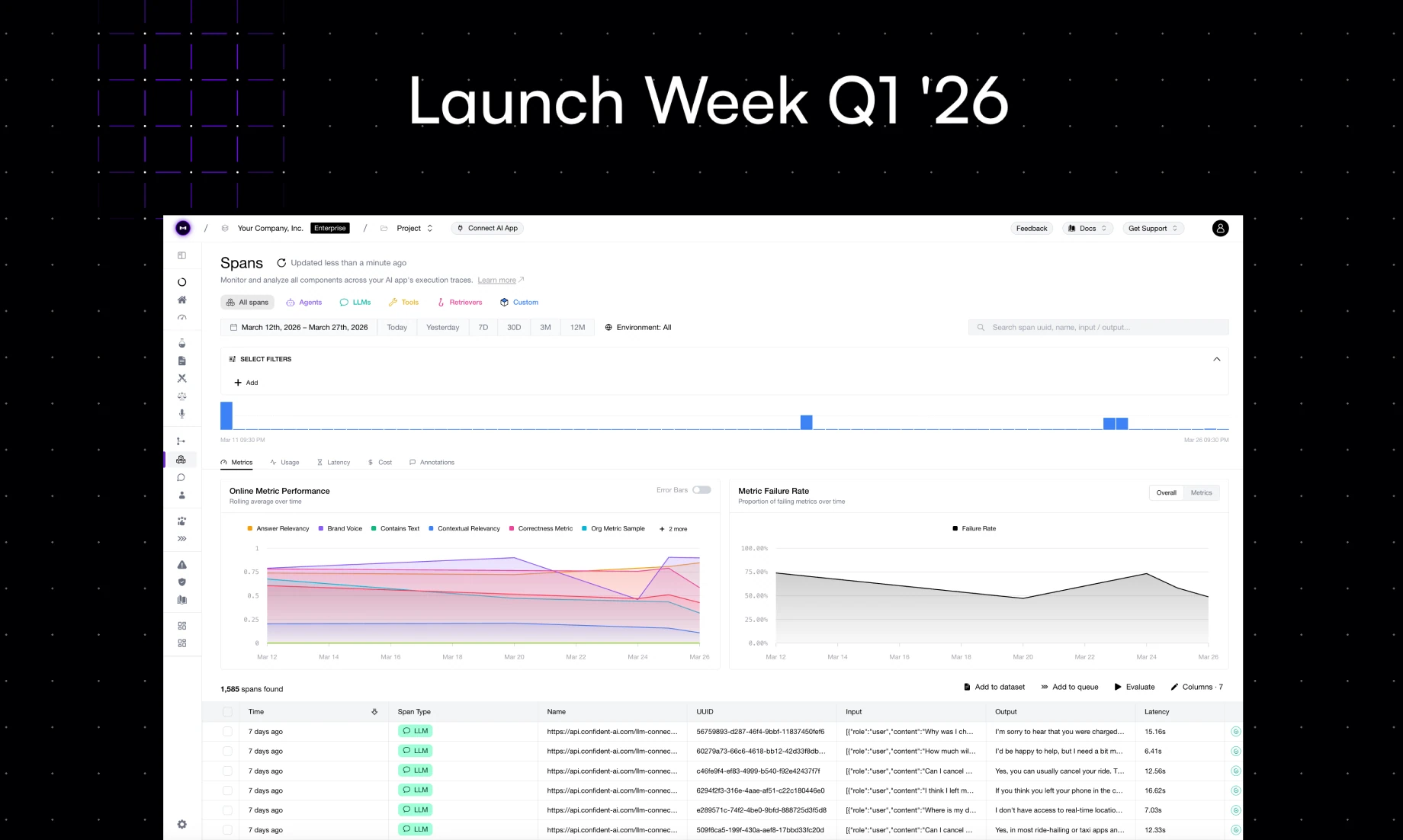
Welcome to Day 4 of Confident AI's Launch Week.
Day 1 was Automated Error Analysis. Day 2 was Scheduled Evals. Day 3 was Auto-Ingest Traces. Today we're launching something that changes how you see your production traffic.
Launch Week Day 4 (4/5): Auto-categorize traces and threads.
You Don't Know What Your Users Are Asking
Here's the uncomfortable truth about most AI agents in production: you have thousands of traces flowing through your system, and you have no structured understanding of what users are actually asking about.
You might have vibes. You might have anecdotes from support tickets. Maybe someone on your team pulls up a few traces every week and eyeballs them. But if I asked you right now — "what are the top 10 categories of questions your users asked last week, and which ones is your model struggling with?" — most teams can't answer that.
And if you can't answer that, you can't prioritize. You're guessing about what to improve, which prompts to rewrite, and which failure modes to evaluate for. That's not engineering — that's hoping.
The Problem
Teams that try to categorize their traces manually hit the same wall:
- Someone exports a batch of traces. Maybe a few hundred, maybe a thousand. They dump them into a spreadsheet.
- They read through them and create categories by hand. "This one's about billing. This one's a product question. This one's a complaint about latency." After 50 traces, their eyes are glazing over.
- The categories are inconsistent. Different people label the same trace differently. The taxonomy shifts every time someone new looks at the data.
- It's a snapshot, not a system. Even if you finish the exercise, it's stale by next week. User behavior shifts. New features launch. The distribution of what people ask about changes constantly.
- No connection to quality. Even if you know what users are asking, you still don't know which categories your model handles well and which ones it struggles with.
The result? Most teams just skip this entirely. They treat all traces as one homogeneous blob and evaluate their AI agent as if every query is the same — which it obviously isn't.
Auto-Categorization on Confident AI
Auto-categorization does three things automatically:
- Categorizes every trace and thread. As production traffic flows through Confident AI, each trace gets assigned to a category based on its content — what the user asked, what the model did, and the intent behind the interaction.
- Detects response drift over time. You can see how the distribution of categories changes week over week. Are users suddenly asking more about a topic you haven't optimized for? Is a previously rare category spiking? You'll know.
- Shows per-category performance. Every category gets its own eval scores — so you can immediately see which types of queries your model handles well and which ones need work.
The workflow is dead simple:
- Traces flow in. If you're already sending traces to Confident AI (or using auto-ingest from Day 3), you're set.
- Categories are assigned automatically. No manual labeling. No taxonomy you have to define upfront. Confident AI analyzes the content and groups traces into meaningful categories.
- Evaluate per category. Run your metrics — and see results broken down by category. Instantly spot which categories are underperforming.
Why This Matters
This is the difference between "we evaluate our AI agent" and "we understand our AI agent."
Detect drift before it becomes an incident. If your customer support agent suddenly starts getting 3x more questions about refunds and your model wasn't tuned for that, you want to know now — not after users start complaining.
Prioritize what to fix. When you can see that your model scores 92% on product questions but 61% on billing disputes, you know exactly where to focus your prompt engineering, fine-tuning, or guardrail work. No guessing.
Evaluate where it matters. Running a single aggregate eval score across all your traffic is like grading a student with one number across all subjects. It hides the signal. Per-category evals give you the resolution to actually improve your agent.
Close the loop with error analysis. Remember Day 1? Auto-categorization feeds directly into error analysis. Once you know which categories are struggling, you can queue those traces for annotation, run error analysis on them specifically, and get targeted metric recommendations — not generic ones.
What This Looks Like In Practice
Let's say you run an AI agent that handles internal IT support tickets. After a week of auto-categorization, you see:
Category | Trace Volume | Avg. Score |
|---|---|---|
Password resets | 34% | 0.94 |
VPN setup | 22% | 0.88 |
Software install requests | 18% | 0.91 |
Permission escalations | 15% | 0.52 |
Hardware replacement | 11% | 0.73 |
Now you know. Permission escalations are where your agent is falling apart. You don't need to review 500 traces to figure that out — the data tells you in seconds. Queue those traces for error analysis, find the failure patterns, get metric recommendations, and deploy targeted evals. That's the full loop.
What's Next
This is Day 4 of 5. One more launch to go — and like every day this week, we're taking a workflow that teams know they need but never build and making it happen automatically on Confident AI.
If you want to see what your users are actually asking and which areas need work, sign up for Confident AI and let auto-categorization do what your spreadsheets never could. And stay tuned for Day 5 — we're closing out the week with something teams have been asking us for more than anything else.
Do you want to brainstorm how to evaluate your AI agents? Ask us anything in our discord. I might give you an "aha!" moment, who knows?
Evals for cross-functional teams. Not just engineers.
Give all AI use cases the same quality bar with all-in-one evals, observability, and red teaming, and enforce them at scale.